Start with the exchange withdrawal screen
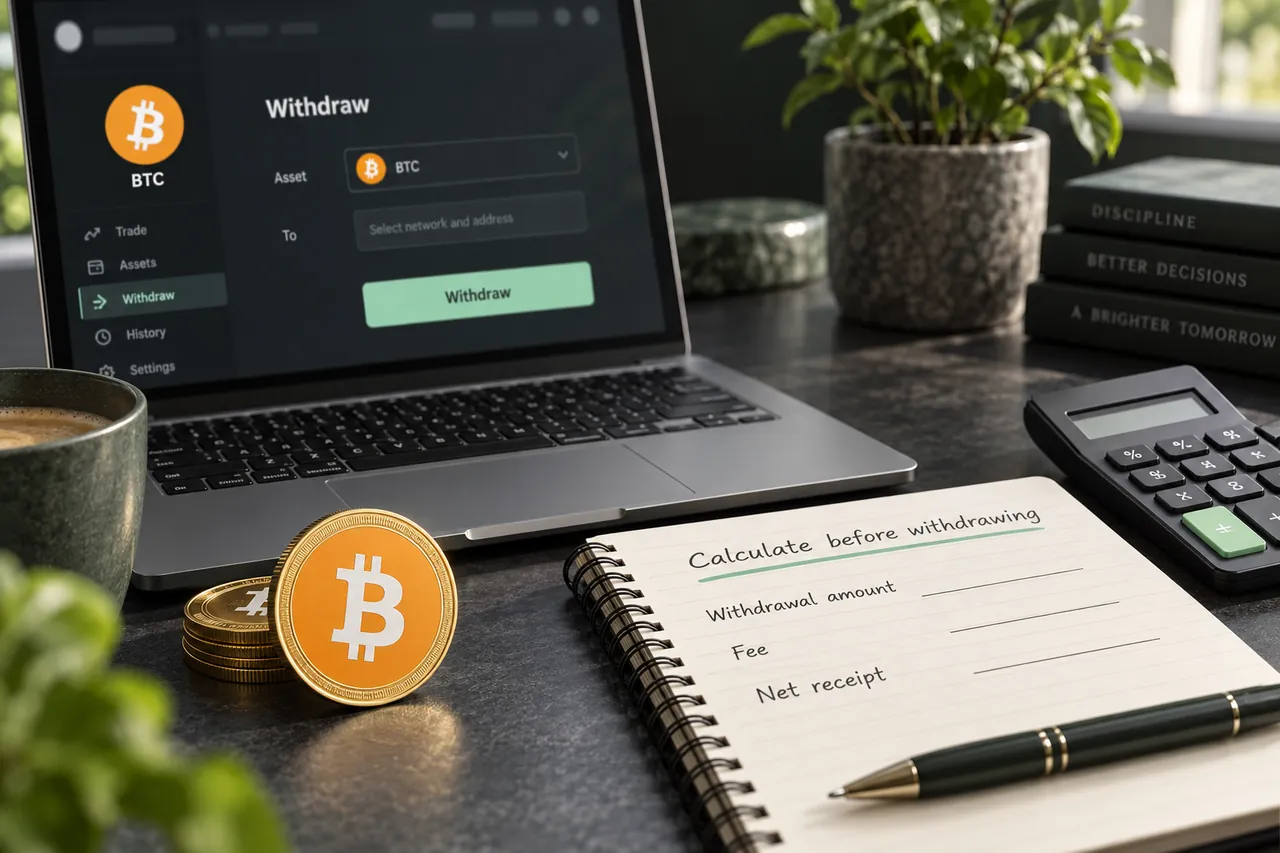
Choose the asset you hold and inspect its available withdrawal networks. Record which network can actually deliver the intended deposit and whether withdrawals are enabled. A ticker in the exchange balance screen does not tell you which route it will use. Native BTC, an EVM token and a token representation on another chain are not interchangeable sending instructions.
Check minimum withdrawal, fee presentation and any account-specific hold or review. If the exchange cannot send the required network or extra field, do not create an order assuming another selection will work. Resolve the sending method first, then compare provider offers for the version the exchange can deliver.
Match the withdrawal networkFind out what the entered number means
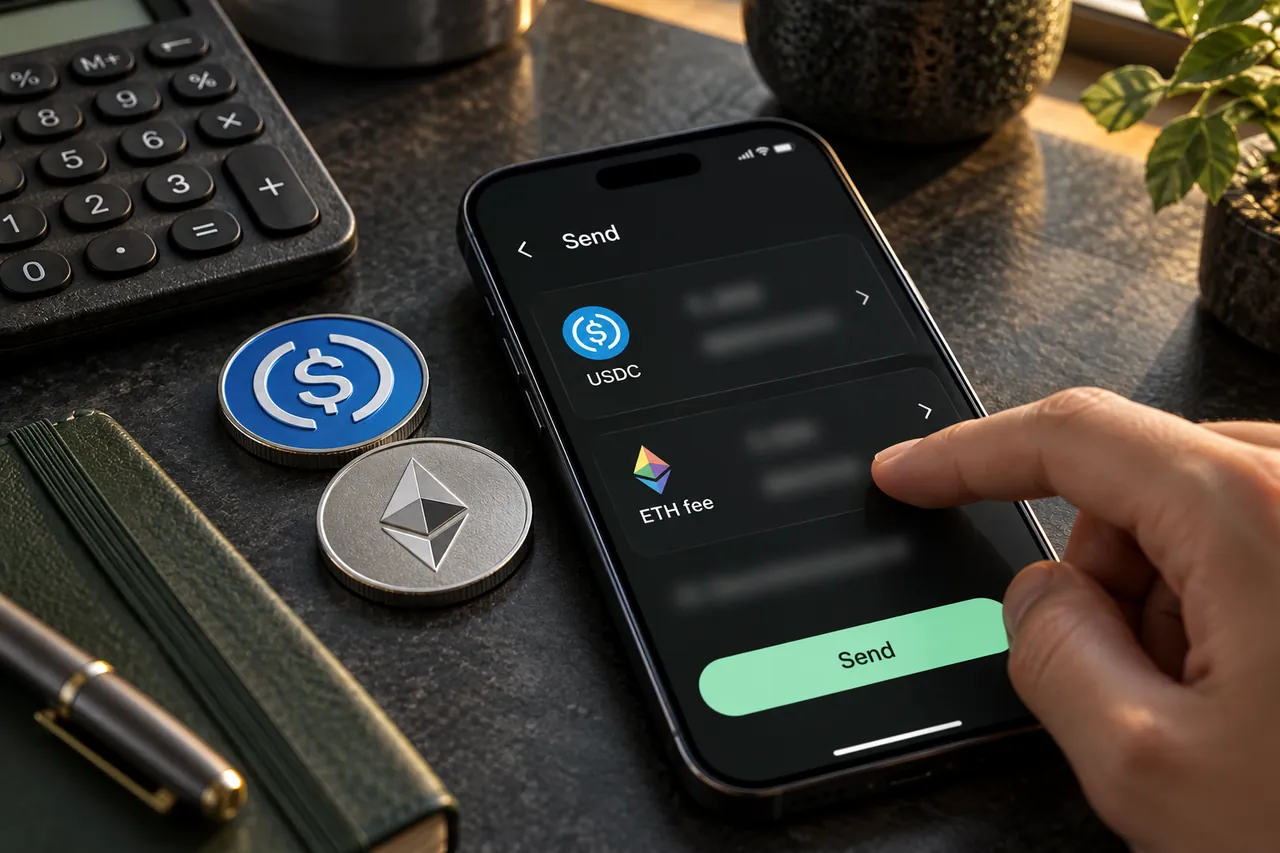
Some exchange previews show the fee deducted from the entered amount; others show a separate total debit or allow a net-receive amount. Read the actual preview rather than assuming a common convention. The provider order concerns the amount arriving at its deposit address, not the amount removed from your exchange account.
Use the final confirmation screen because fee information can update as you choose a network or amount. Keep a record of the net amount and ensure it falls within the provider offer’s current limits. If the preview changes, request a new amount-specific offer before confirming the swap.
Compare USDT sending costsA hypothetical gross-to-net calculation
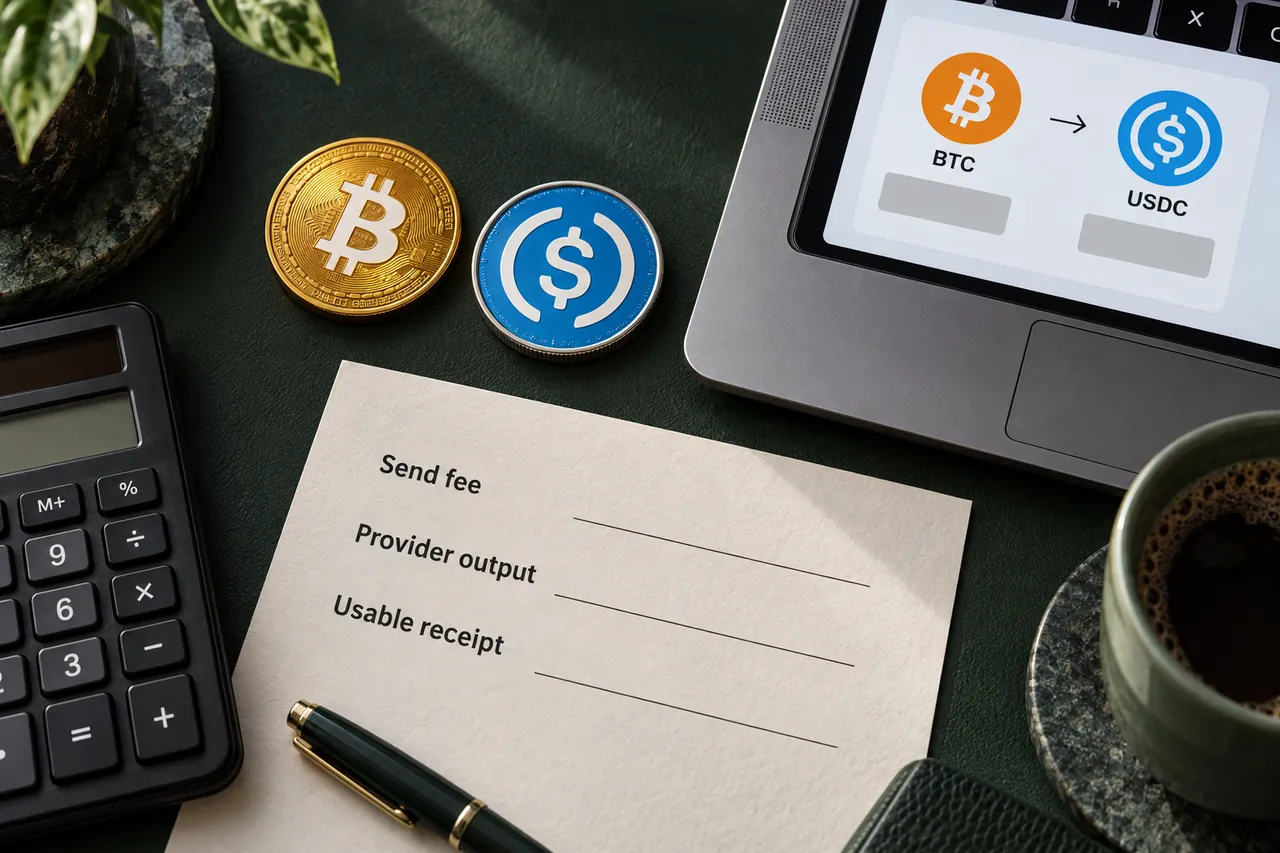
Suppose an exchange deducts an illustrative 3 USDT fee from the withdrawal field. A gross withdrawal of 303 USDT delivers 300 USDT to the provider. An order for 300 could match that preview, while entering 300 at the exchange would deliver 297 and underpay it. These figures are arithmetic examples, not current platform charges.
The user checks the net 300 amount, compares a live offer for that deposit and reviews the destination payout rules. If the exchange instead charges the fee separately, the calculation differs and the preview should show it. The correct method is reading the platform’s actual net delivery, not applying a memorized subtraction formula everywhere.
| Illustrative field | Meaning |
|---|---|
| Gross withdrawal: 303 | Amount entered before a deducted charge |
| Withdrawal fee: 3 | Charge retained by sending platform |
| Net deposit: 300 | Amount expected to reach provider |
| Swap input: 300 | Amount used to request the matching provider offer |
Account for the exchange’s broadcast process
A withdrawal request is not necessarily an immediate blockchain transfer. The exchange can review requests, batch transactions or temporarily pause a network. Check the current withdrawal status and timing notices before starting a provider deposit window. Do not assume submitting a request satisfies a provider deadline that depends on receiving or recognizing the funds.
If the exchange’s process cannot reliably fit the selected order conditions, pause before sending. You may need to prepare funds in a compatible wallet first or choose another legitimate route that meets the requirements. A fresh provider order should be created only when the sending method is ready to follow its instructions.
Copy the deposit details into the correct fields
After selecting an offer and reviewing the recipient, create the order to obtain its sending-side deposit instructions. Enter the provider address in the exchange withdrawal destination and use the exact required network. If there is a deposit memo or tag, enter it in the field intended for that purpose.
The QR code supplies the address only and may be useful if the exchange app supports scanning. You still need to enter the amount and any separate memo and review the withdrawal network. Avoid selecting a cheaper network merely because the destination address looks valid there. An address format alone cannot identify the correct chain.
Keep the exchange and provider records together
Save the exchange withdrawal request reference, then add the blockchain transaction hash when broadcast. Keep both beside the swap ID and confirmed deposit instructions. If the provider waits, first establish whether the exchange has actually sent the funds, then compare the amount and network with the order.
- Check current withdrawal network, limits and any hold.
- Read the net amount in the final exchange preview.
- Request a provider offer for that exact deliverable deposit.
- Create the order and enter its address, network and extra ID accurately.
- Save request ID, sending hash and swap ID as separate references.
A FEW MORE DETAILS
Common questions
Should I enter my total exchange balance as the swap amount?
Only if the exchange can deliver that exact amount under the order conditions. Withdrawal deductions, minimums or holds can make the available net amount different.
Can I use the address shown as sender for a refund?
Do not assume so. It may be the exchange’s shared outgoing wallet. Obtain compatible deposit details that actually credit your account, including any required memo.
Why does the provider not see my withdrawal request number?
An internal request number is different from a blockchain transaction hash. Check whether the exchange has broadcast the transfer and obtain its network reference.
Can I choose another network to reduce the withdrawal fee?
Only by obtaining a supported order for that exact sending version. Changing the exchange network while retaining the old provider instructions can fund the wrong chain.
Prepared by Tornado Swap to explain the swap workflow. Network conditions and provider offers can change; check the current order instructions before sending funds.