One ticker, two network balances
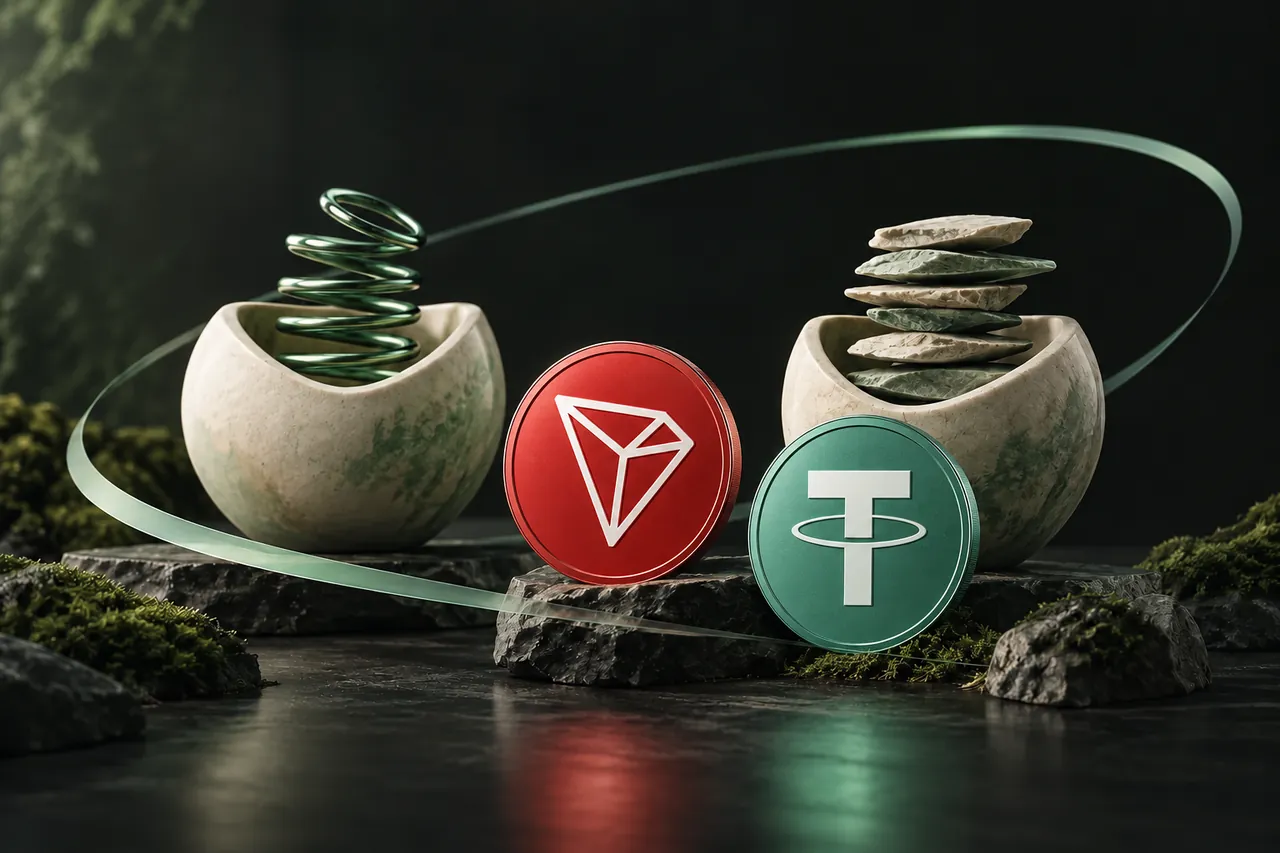
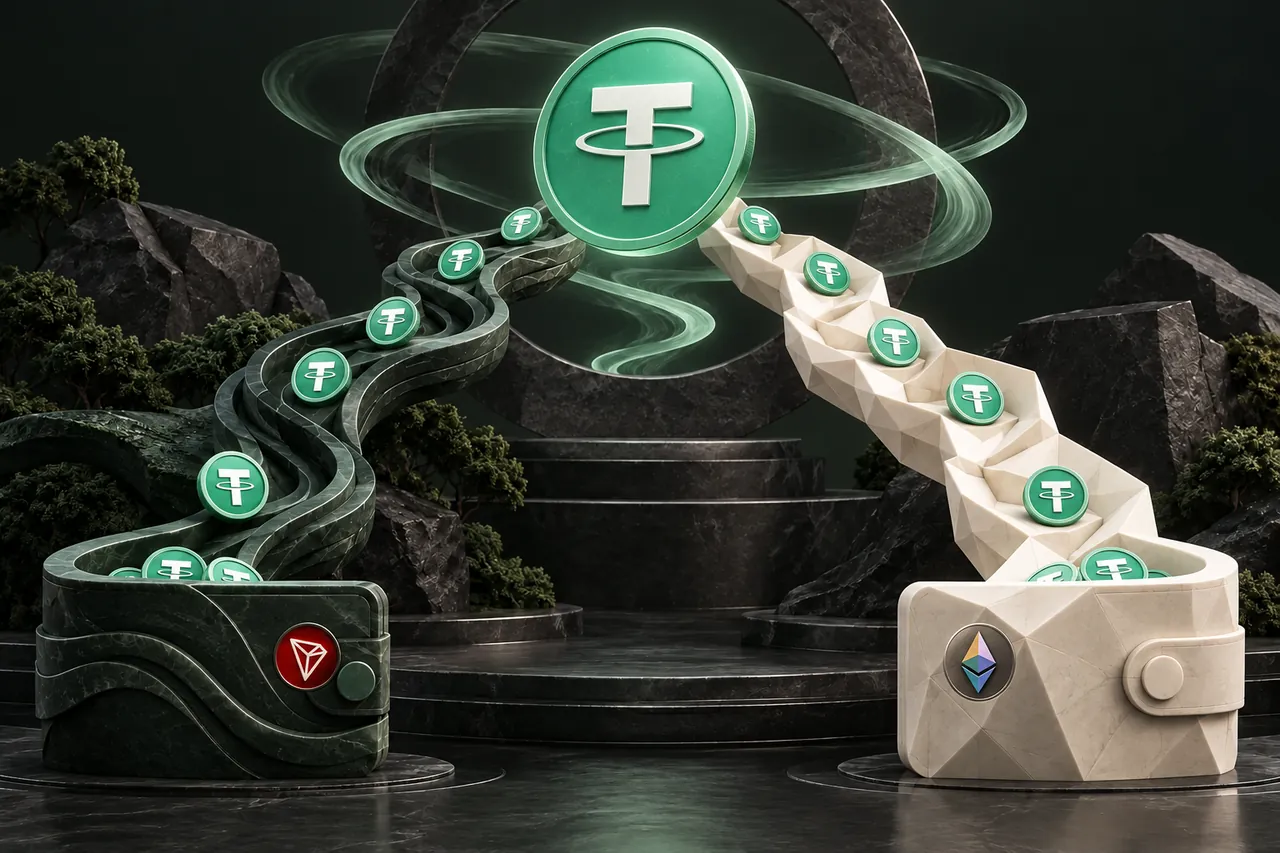
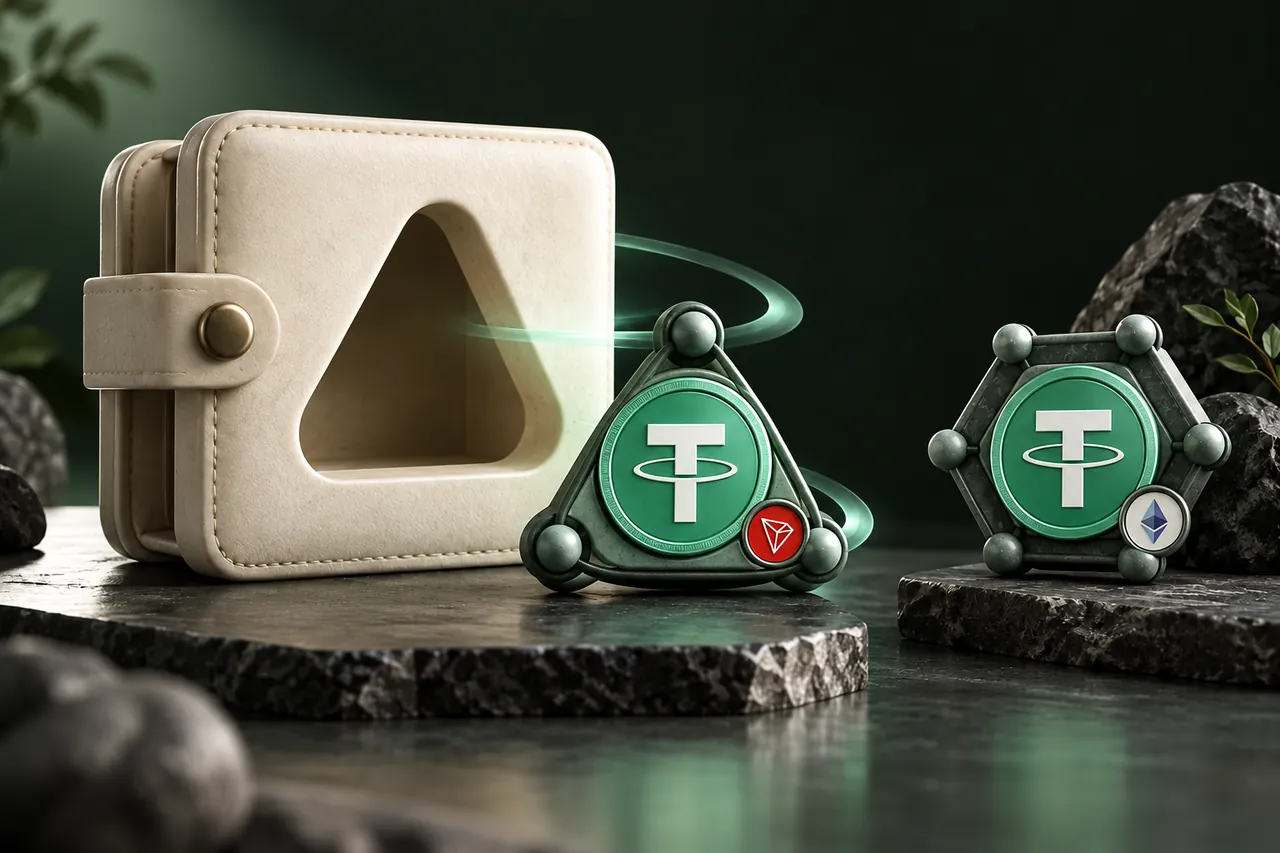
USDT is available on multiple networks. TRC20 identifies the TRON token version in the coin picker; ERC20 identifies the Ethereum version. Selecting a different network in a swap form does not move an existing wallet balance by itself.
To exchange between these versions, select the network of your current USDT under You send and the version needed by your destination under You receive. Use a receiving address supplied for that specific version. Never send directly to a deposit address on the assumption that identical tickers make the networks interchangeable.
Account for the sending cost
On Ethereum, transaction gas is paid in ETH. TRON uses bandwidth and energy resources; when the required resources are unavailable, transactions can incur costs in TRX. The amount you need depends on your wallet and transaction conditions, so a fixed fee quoted in an old guide is not a reliable sending budget.
An exchange withdrawal can instead charge its own fee. Check whether that fee is subtracted from your withdrawal. Compare the amount arriving at the provider with the amount the order requests, rather than assuming the number typed in a withdrawal field is what arrives.

| USDT version | Network | Fee check before sending |
|---|---|---|
| TRC20 | TRON | Wallet resource estimate and any required TRX, or exchange withdrawal fee |
| ERC20 | Ethereum | Wallet ETH gas estimate, or exchange withdrawal fee |
A withdrawal example: the entered amount may not be the deposit
Consider an illustrative withdrawal of 500 USDT where a sending exchange deducts a 2 USDT withdrawal fee. The provider would receive 498 USDT, not 500. These numbers explain the calculation; they are not a current fee quote for TRON, Ethereum or any exchange.
If your swap order expects 500 USDT, a withdrawal that delivers 498 does not match it. Before creating the order, check the withdrawal preview for the actual amount delivered. Depending on the exchange, you may need to enter a larger gross withdrawal or request a swap for a different supported net amount. Check the final confirmation because fee presentation varies.
Do not automatically subtract the same fee twice. A provider quote may already account for costs in its displayed receive amount, while your wallet or exchange separately charges for getting the deposit to that provider. Compare the actual outgoing cost and usable incoming balance, using the current screens rather than adding a guessed network fee to every stage.
Compare a usable result
Enter the amount you want to send and inspect the approximate receive amount. Use Find the best route for current provider offers. Compare the receive amount and provider conditions, then include the separate cost of sending your deposit in your decision.
Do not assume a same-ticker exchange returns exactly the amount sent. Provider and network costs can affect the result. A stablecoin's intended dollar reference also does not promise a particular exchange quote or eliminate issuer and market risks.
Make the destination the final check
Before confirming, open the receiving service's USDT deposit page and recheck the enabled network. A destination supporting Ethereum USDT might not support TRON USDT. If its deposits are suspended, wait or choose another supported destination before placing the order.
- Match the selected receive network to the destination's deposit instructions.
- Confirm any minimum deposit and account-specific requirements.
- Use a refund address that accepts USDT on the sending network.
- After payout, look for the balance on the receiving network; checking the original network alone can make a completed payout appear missing.
Choose the network for what happens after the swap
Suppose you need to pay a service that accepts USDT only on Ethereum. A larger receive estimate on TRON does not satisfy that payment requirement. Starting with the destination avoids completing an unnecessary swap and then discovering that you need a second conversion.
For a self-custody destination, consider the onward transaction too. Receiving USDT does not necessarily provide the native fee asset needed to move it later. A wallet can show a healthy token balance and still be unable to submit a transaction until its fee requirements are met.
If both networks are accepted, compare current provider offers and the sending cost at the time you intend to transact. Also consider the destination’s deposit minimum and whether you need the funds on a particular network afterward. There is no permanent cheapest-network answer that survives every amount, wallet and market condition.
For an exchange destination, check whether the minimum applies to the amount received after the swap. A quote that looks acceptable at the sending end may result in a payout below that service’s crediting threshold. Avoid placing an order until the destination can accept the expected result.
If the USDT does not appear where expected
First identify which leg is missing. Before the provider reports payout, inspect the original deposit and swap status. After payout, compare the receiving network, address and token with the destination instructions. A completed TRON transfer will not show as an Ethereum transaction.
If a self-custody wallet does not display a supported token automatically, use its legitimate asset-management controls and verify the token identity. Do not import a contract address sent by a stranger claiming to recover the funds. If the destination is a custodial service, its support team may need the payout transaction details to investigate account crediting.
| What you see | Useful next check |
|---|---|
| USDT balance exists but sending fails | Wallet fee resources or native fee balance |
| Exchange withdrawal completed, swap waiting | Net deposit amount, correct network and order ID |
| Swap paid out, exchange balance unchanged | Payout hash, deposit minimum and destination crediting status |
A FEW MORE DETAILS
Common questions
Are USDT TRC20 and USDT ERC20 different dollar prices?
They are network versions of the same stablecoin brand, but a cross-network exchange is a service with a live quote. Equal tickers do not guarantee equal token amounts after costs or eliminate market and issuer risk.
Can I send TRC20 USDT directly to an ERC20 deposit?
Do not do that. Use a route that explicitly accepts USDT on TRON and pays USDT on Ethereum. The provider’s confirmed deposit address must match the sending network.
Is TRON always cheaper than Ethereum?
No universal fee comparison applies. Check the wallet’s current resource or gas estimate, any exchange withdrawal fee and the actual provider payout. Your destination must support the chosen network first.
Does a USDT swap include gas for my next transfer?
Do not assume so. The receive amount describes the selected asset. If you later send from a self-custody wallet, arrange the network’s fee asset or another fee-payment mechanism supported by that wallet.
Prepared by Tornado Swap to explain the swap workflow. Network conditions and provider offers can change; check the current order instructions before sending funds.