The quote window belongs to comparison
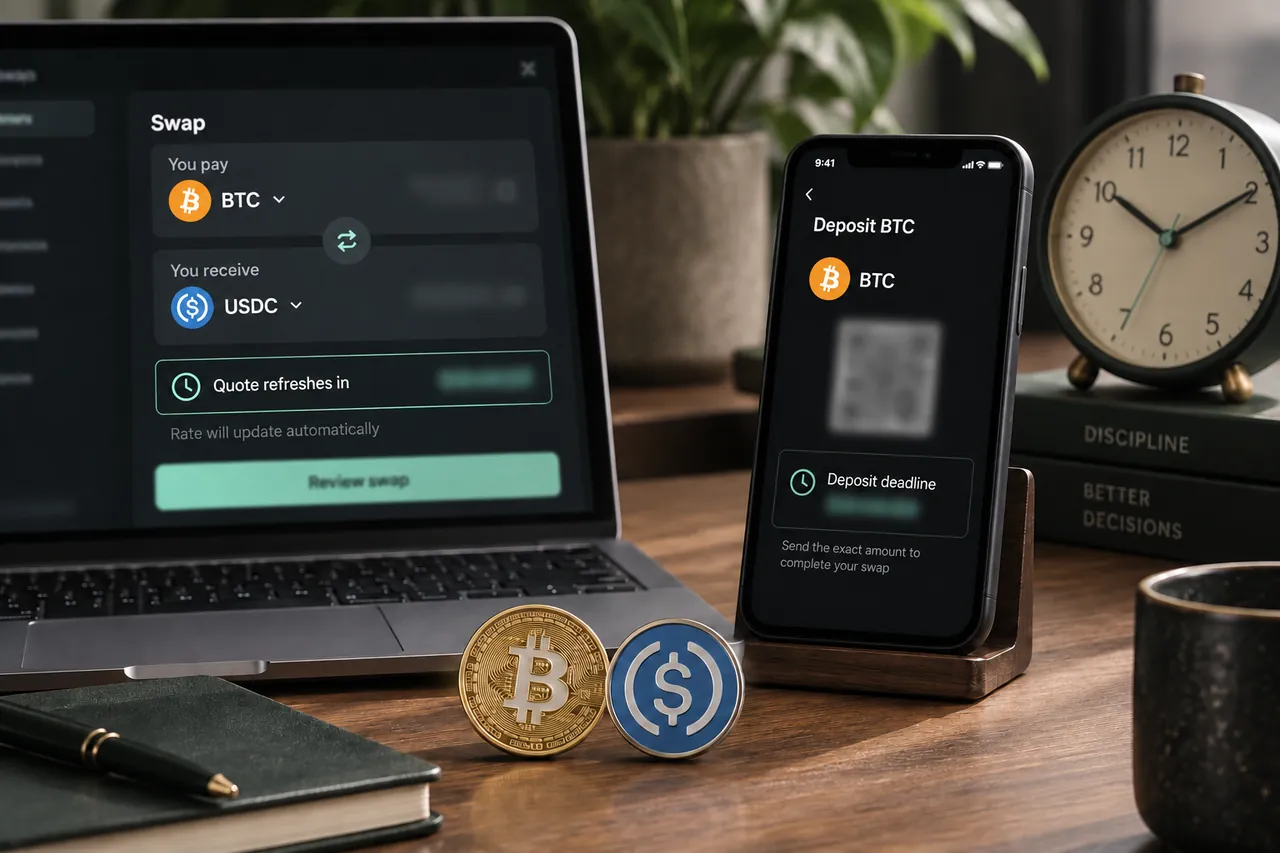
Before confirmation, a provider offer is tied to the amount, networks, rate mode and conditions used for the request. A refresh can retrieve current offers when the earlier quote is no longer suitable for selection. Prices and route availability can change during comparison. The approximate receive estimate is not a permanent commitment.
If you spend time preparing a recipient or resolving a fee issue, request current offers again before creating an order. Compare the same intended route and review the selected provider. A saved screenshot of an earlier offer is useful historical context, but it does not substitute for the conditions of the order you eventually confirm.
The deposit deadline belongs to the created order
After Confirm & create swap, the provider returns deposit instructions for that order. Its deadline is a payment condition, not simply a timer for the homepage estimate. Read the displayed timestamp and any provider instructions about recognition or confirmation. Do not assume every provider interprets late arrival in the same way.
Refreshing the status page should not be understood as extending the deposit window. Neither should a fresh route search elsewhere be assumed to update an existing order. Keep the swap ID and instructions together so you know which deadline governs the deposit you are about to send.
Prepare the sending wallet before starting the clock
Confirm the spendable balance, native fee asset or resources, withdrawal support and required extra fields before order creation. An exchange can impose an internal withdrawal review or delay before broadcasting. If you discover that delay after obtaining a short deposit window, the withdrawal request may not reach the provider in time.
Check the recipient’s deposit support before confirmation as well. You should not be searching for a compatible payout address while a payment window is running. Resolve network mismatches and destination rules early, then request a current offer and confirm only when you can follow its conditions.
Rate mode does not remove payment conditions
A fixed-rate offer should be evaluated with its payment window, amount and provider terms. The label does not guarantee that a deposit sent late, on another chain or in the wrong amount receives the original output. A floating offer likewise does not mean every delayed payment will be accepted automatically.
Read the selected provider’s handling of mismatches and refunds rather than inferring it from the rate label. Provider verification and processing can also affect the workflow. Tornado Swap supplies the interface; the provider that handles the deposit determines the applicable order resolution under its conditions.
| Clock or event | What it tells you |
|---|---|
| Quote refresh countdown | The comparison offer may need updating |
| Order creation | Provider instructions are generated for this swap |
| Deposit deadline | The created order has payment timing conditions |
| Sending wallet broadcast | Your transaction has been submitted, not necessarily accepted by provider |
| Provider acceptance | The deposit has satisfied the provider’s recognition process |
A hypothetical withdrawal that cannot meet the window
Suppose an order shows an illustrative 20-minute deposit window, but the sending exchange warns that a withdrawal review can take longer. The user has not yet sent funds. The sensible decision is to resolve the sending method before attempting the deposit rather than assuming that submitting the exchange request satisfies the provider’s deadline.
When ready, the user requests a fresh offer and creates a new order under current conditions. The old deposit address is not reused as a shortcut. These timings are hypothetical, not a typical provider window or a promise about withdrawal speed. The lesson is to compare the actual sending process with the actual order instructions.
What to do if time runs out before you send
If the order window has passed and no transaction was made, do not send to its old address merely because it is still visible. Obtain current instructions through a fresh supported order or ask support about the existing order. Preserve the original swap ID so the two records do not become confused.
If the wallet is already preparing an unsigned transfer when the deadline passes, stop and reassess before authorization. A new quote elsewhere does not retroactively validate that transfer. Check whether the provider’s instructions permit it, and avoid paying until the correct active order and amount are clear.
What to do if a transaction is already on the way
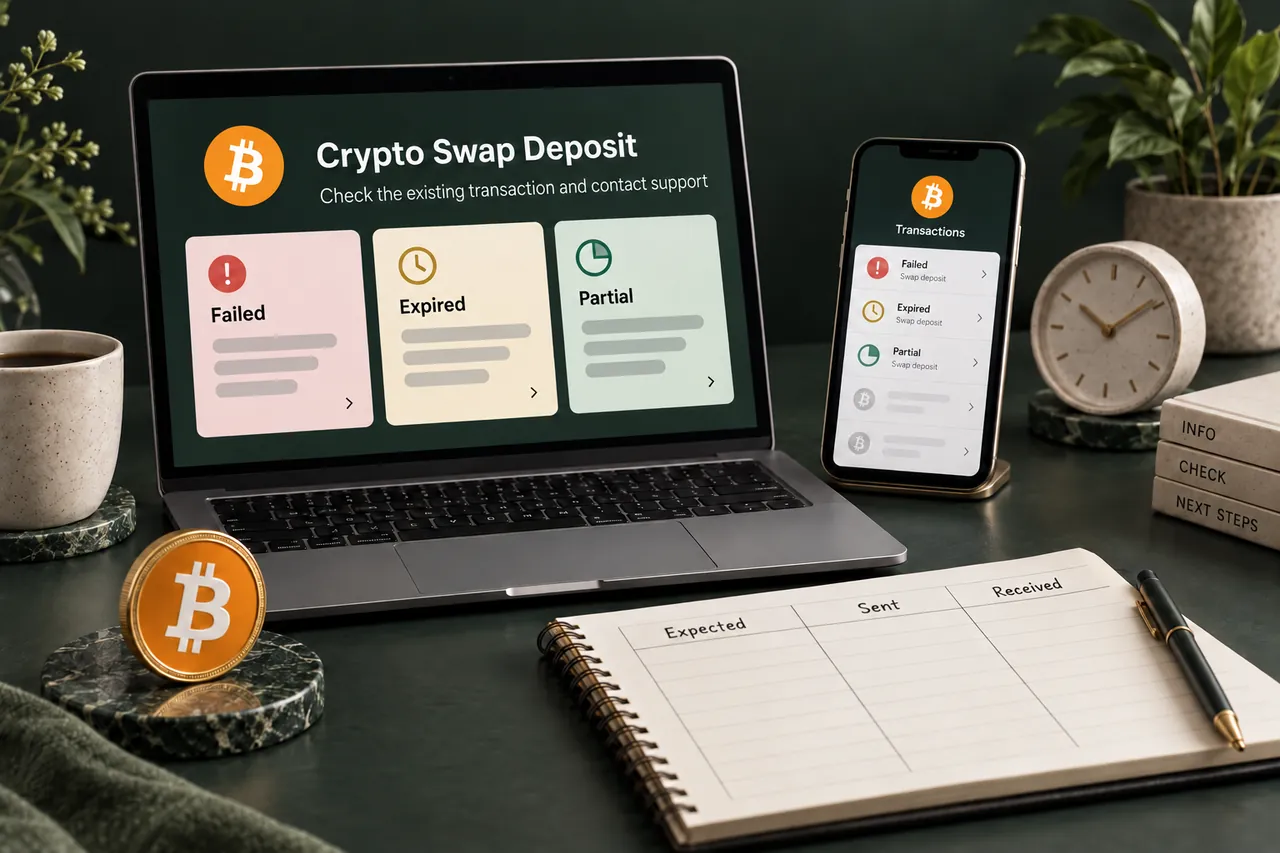
If funds were already broadcast, save the hash, actual amount and timestamp and keep the original swap ID. Inspect the network status and compare it with the confirmed instructions. Do not send another payment or assume the order should be replaced; support needs the original evidence to determine the appropriate provider process.
- Prepare spendable funds and destination details before order creation.
- Refresh offers if comparison has taken time.
- Read the created order’s actual deadline and timing terms.
- Do not reuse an expired order as a payment shortcut.
- If funds are already sent, preserve the original order and transaction evidence.
A FEW MORE DETAILS
Common questions
Does refreshing quotes extend my existing deposit deadline?
Do not assume so. A quote refresh concerns comparison offers. The existing provider order has its own instructions and deadline.
Is sending before the countdown ends always enough?
Follow the provider’s actual timing conditions, which may concern recognition or confirmations as well as broadcast. A wallet submission time alone does not establish acceptance.
Can I pay an expired address if it still scans?
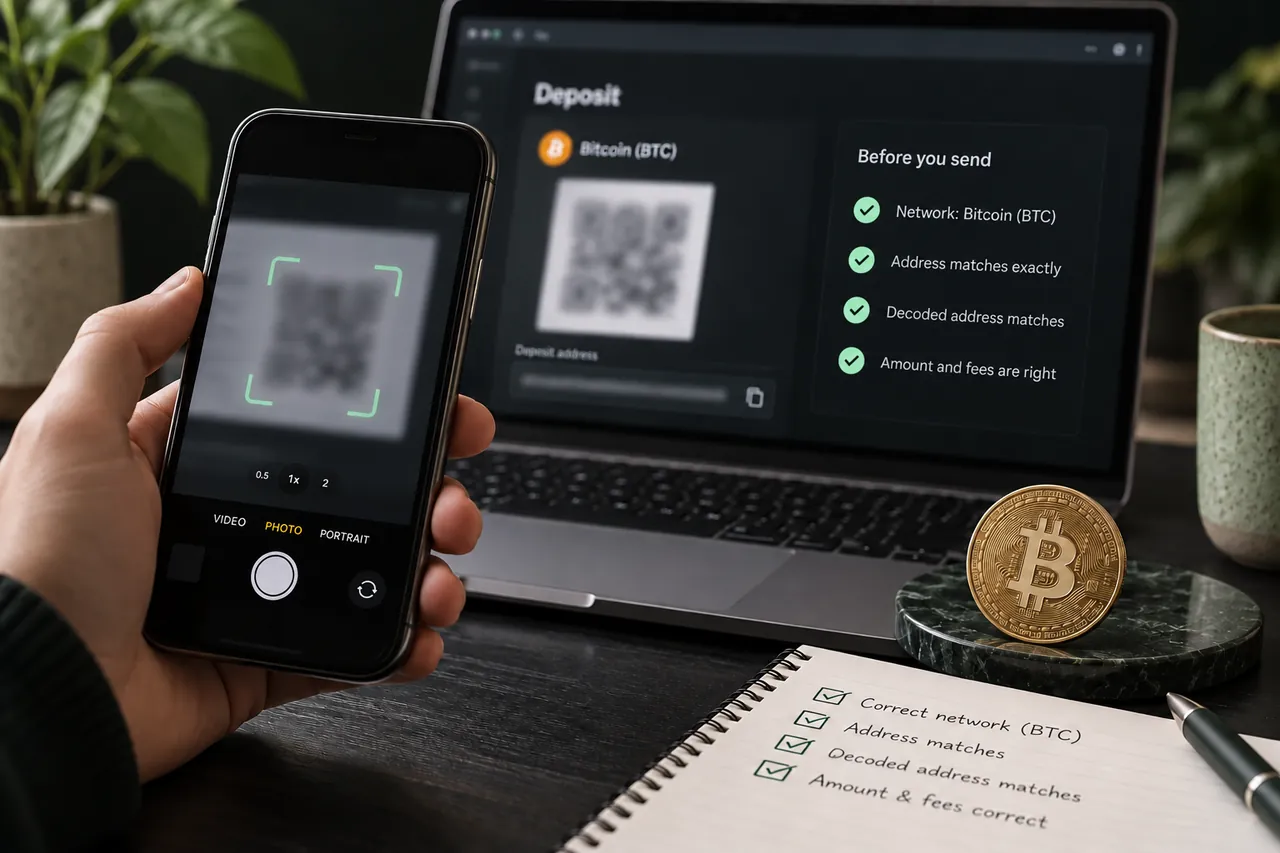
A readable address or QR does not prove an order is active. Obtain current provider instructions or contact support before sending.
What evidence helps if my payment arrived late?
Keep the swap ID, confirmed deadline, exact amount, sending transaction hash and timestamps. Support can compare the actual transfer with the provider conditions.
Prepared by Tornado Swap to explain the swap workflow. Network conditions and provider offers can change; check the current order instructions before sending funds.