Follow the deposit, conversion and payout separately
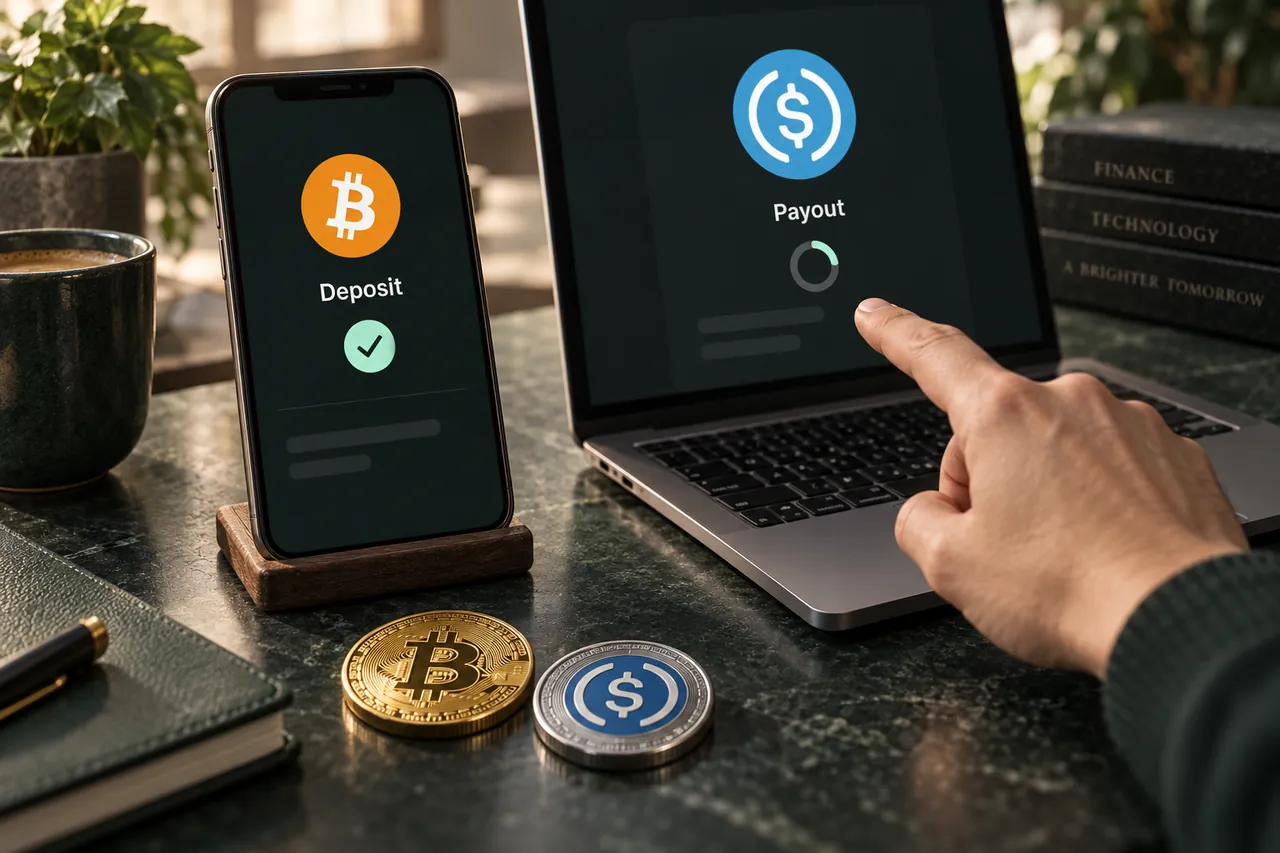
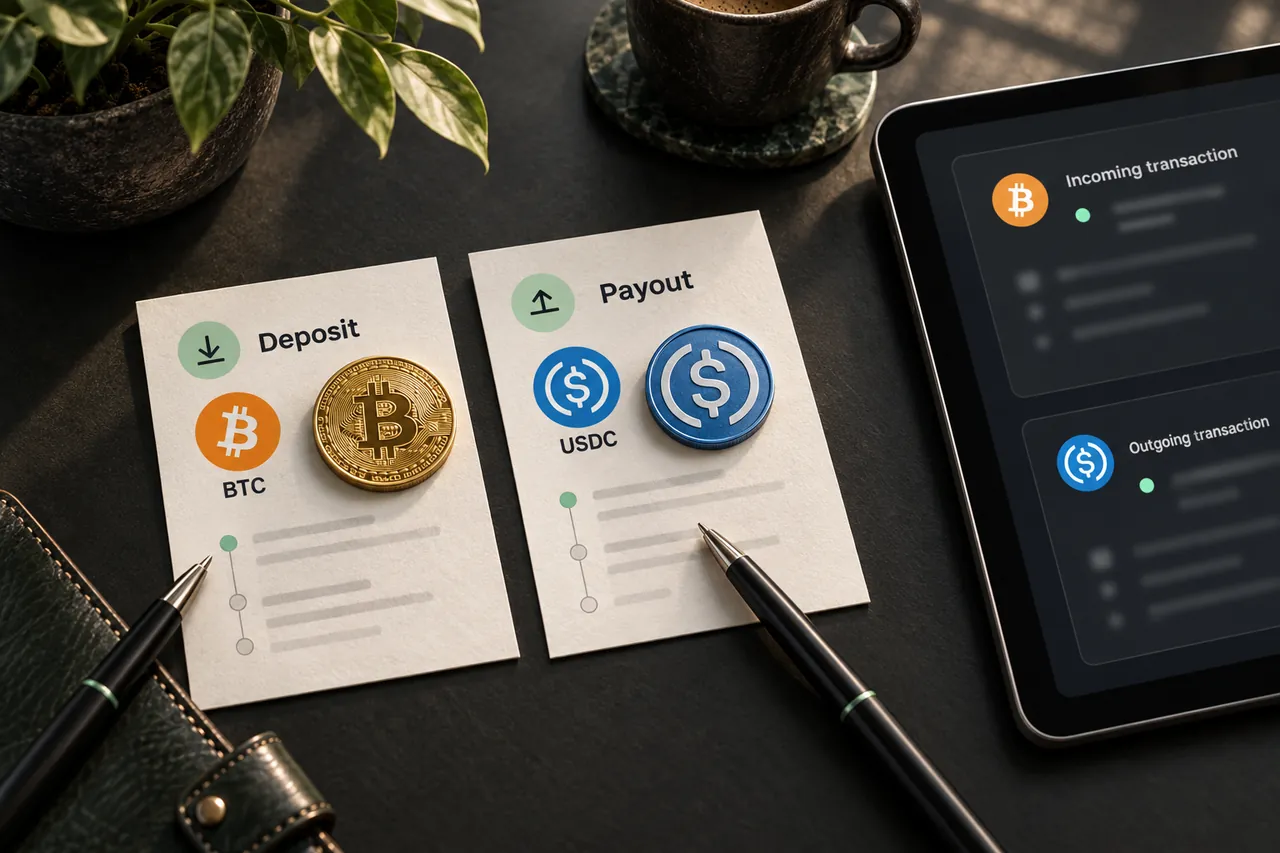
Your wallet first submits a transaction on the sending network. Once included and confirmed, that transaction shows what reached the provider's deposit address. The provider must then recognize the payment, apply its confirmation requirements and process the exchange.
Payout is another transaction, this time on the receiving network. The time between these stages depends on the networks and selected provider. A confirmed deposit alone does not establish that the payout has been broadcast or that a receiving exchange has credited your account.
| Evidence | What it tells you |
|---|---|
| Sending transaction hash | Where the deposit was sent, on which chain and with what on-chain status |
| Swap ID and order status | Which provider order the deposit belongs to and its reported progress |
| Payout transaction details | Whether a receiving-network transfer has been sent and to which address |
Read each status as evidence of one stage
A wallet may say “sent” as soon as it submits a transaction. A block explorer may later show it included and confirmed. The provider can still require additional confirmations or time to match the deposit to an order. These screens answer different questions and may update at different moments.
Similarly, a provider reporting that a payout was sent is not the same as an exchange reporting an account credit. The payout must exist on the receiving chain, and the destination service can apply its own confirmation threshold, minimum or account checks. Read the payout transaction before concluding which stage needs help.
Avoid using a generic completion time from another pair as a deadline for this one. A swap combines the sending network, provider processing and receiving network. The most useful evidence is the current order status together with the actual deposit and payout records, not the elapsed time alone.
Compare the actual deposit with the order
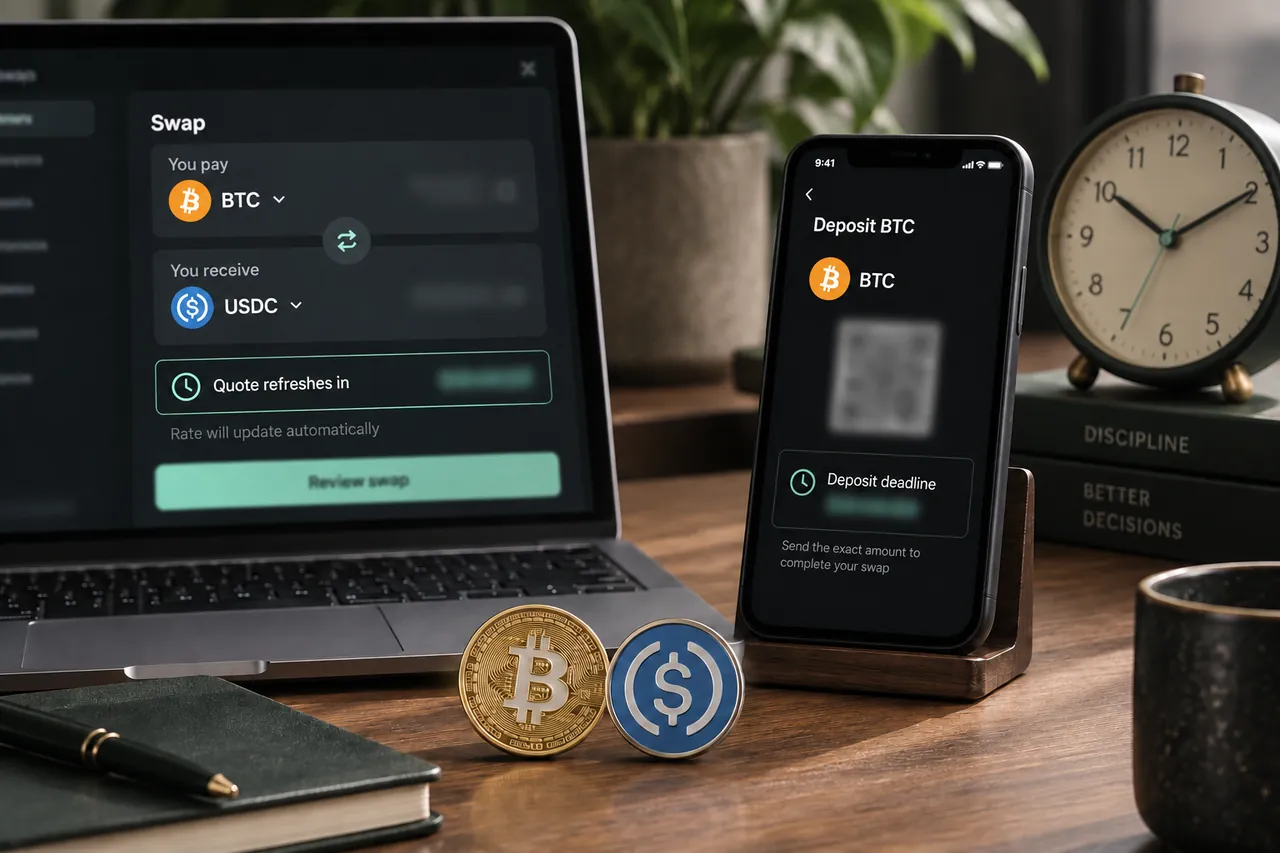
If progress appears stuck, compare the network, asset, deposit address, amount and any required memo against the original instructions. Include any withdrawal fee deducted by your sending exchange. A transaction can be confirmed on-chain while still failing to match the provider's expected deposit.
Check the order's timing requirements as well. If a deposit arrived after a deadline or the amount differs, provider review may be needed. Do not assume another payment will repair the order. Keep the evidence and ask support how that specific deposit will be handled.
A lookup error is not proof that funds disappeared
Use the saved swap ID in Track swap. A wallet transaction hash is a different identifier and should not be substituted for it. Copy the ID exactly, including capitalization, and use the identifier displayed by Tornado Swap when the order was created.
If tracking cannot find the order, preserve the original confirmation and contact support. A lookup failure can require investigation; it does not by itself explain the deposit's status. Likewise, a receiving wallet showing no balance is not conclusive until you have checked the correct network and asset.
Send useful details to support
The Contact us page links the Tornado Swap support chat. Give support enough information to locate the order and compare its instructions with the transfer. Never send a seed phrase, private key or wallet password.
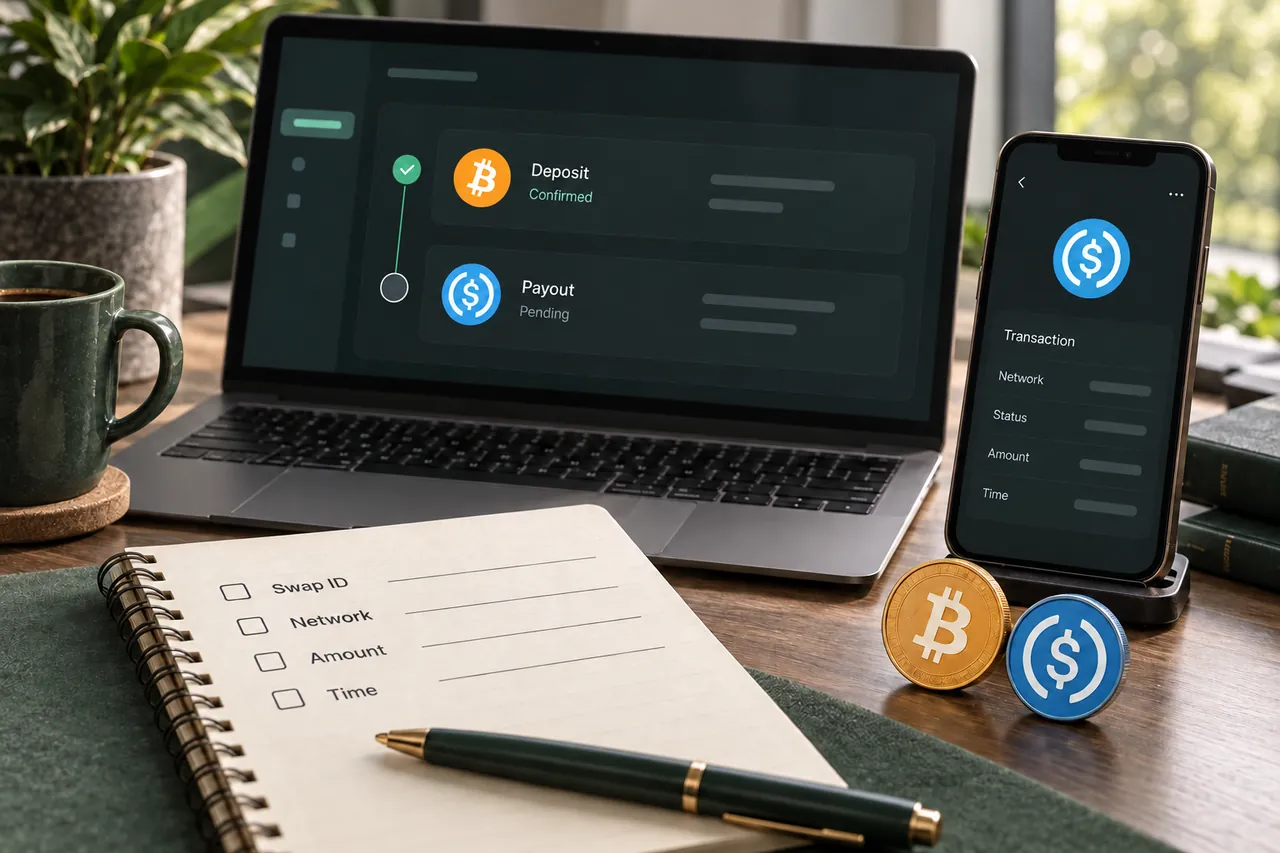
- Provide the swap ID, selected provider if shown, coin pair and both networks.
- Include the sending transaction hash, amount and approximate sending time.
- Describe the latest order status or exact error and whether any payout is visible.
- Keep screenshots of the order instructions and withdrawal confirmation; share them privately after checking for unrelated personal information.
A swap ID and a transaction hash solve different lookup problems
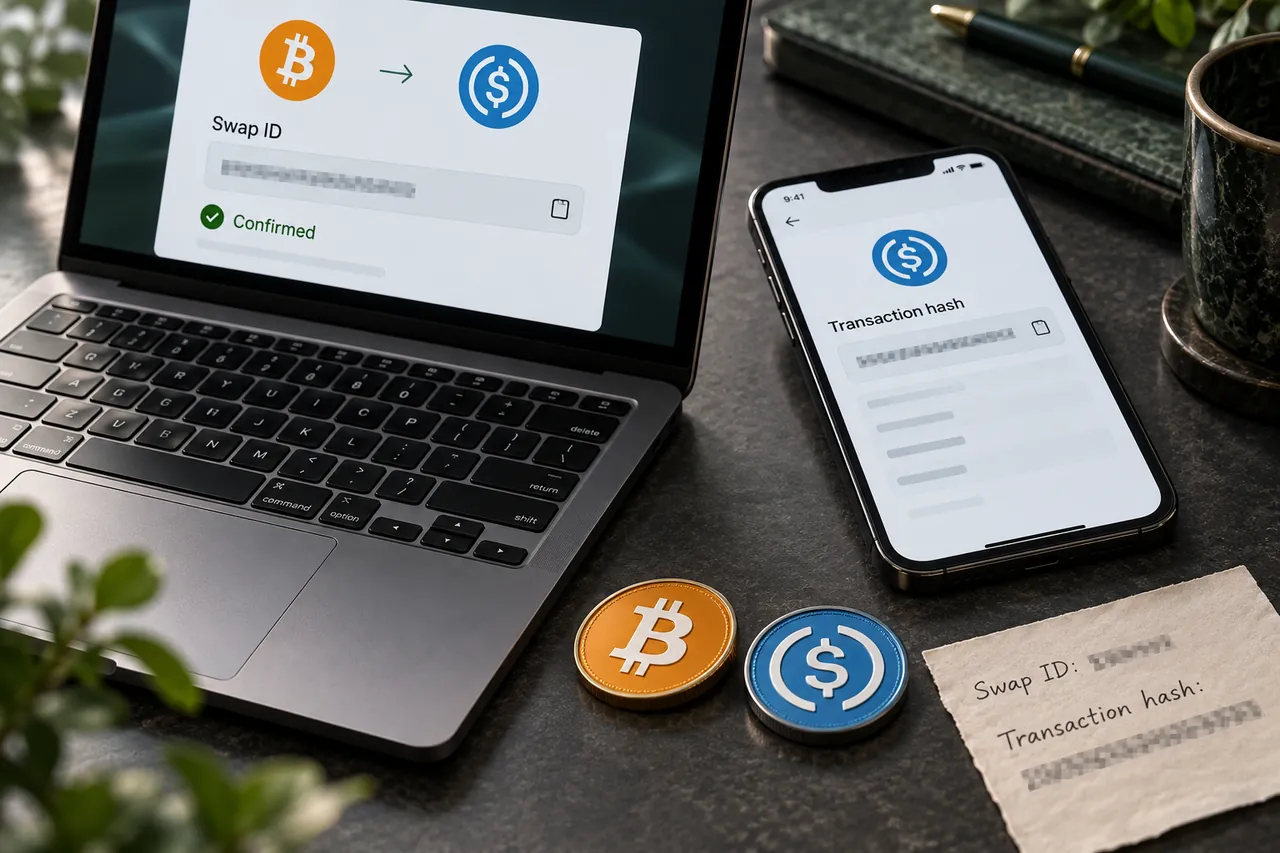
The swap ID identifies the order created through Tornado Swap. Save it from the confirmation and enter it in Track swap. A transaction hash identifies a specific blockchain transaction. It is useful when checking where a payment went, but it does not replace the order identifier in a swap lookup.
An exchange may also display an internal withdrawal reference. That reference can be useful to the exchange’s support team without being the on-chain transaction hash. Look for the actual transaction details in its withdrawal history and include the network name, because the hash is meaningful in the context of its chain.
If a tracker says it cannot find an order immediately after you sent, first recheck the exact saved ID. Then preserve the original confirmation, deposit instructions and withdrawal record. A lookup failure alone cannot establish that the order was deleted, that the payment failed or that the funds were lost.
Do not solve a tracking error by creating another order and reusing the old deposit address. A new order has its own identity and instructions. Support needs the evidence for the original payment to reconcile it correctly.
Choose the next check from the last confirmed milestone
Start with what you can verify, then move forward one stage at a time. If the sending transaction is not confirmed, a receiving-wallet balance tells you little. If a payout transaction is confirmed to the correct destination, repeatedly refreshing the deposit screen is unlikely to explain an exchange’s account-credit delay.
When you contact support, use a concise timeline: order created, transfer submitted, deposit confirmed, latest order status, and any payout shown. Include dates, approximate times and the timezone. Describe what you see without making a guess such as “the exchange lost it.” That keeps the investigation focused on a reproducible mismatch.
| Last verified milestone | Next useful action |
|---|---|
| No confirmed sending transaction | Check the sending wallet or exchange withdrawal status |
| Deposit confirmed, provider still waiting | Compare asset, chain, address, net amount and memo |
| Provider processing, no payout yet | Keep the order ID and ask about the current handling stage |
| Payout confirmed, destination not credited | Check receiving-network details and the destination’s deposit history |
| Order lookup fails | Preserve the confirmation and give support both identifiers |
A FEW MORE DETAILS
Common questions
Should I send again when the tracker has not updated?
No. A second payment can create another mismatch. Check the original transaction and order instructions, then ask support about that payment before sending anything further.
Can a confirmed deposit still need provider review?
Yes. The transfer can be confirmed on-chain while the provider checks confirmations, amount, network, memo or its own requirements. The blockchain record proves the transfer, not every part of order processing.
Which transaction hash should I send to support?
Include the original deposit hash and sending network. If a payout is shown, include its hash and receiving network too. Add the swap ID so support can relate both transfers to the correct order.
What information should I never share?
Do not provide a seed phrase, private key, wallet password or a payment to “unlock” a balance. Use the support contact linked from Tornado Swap’s own Contact us page and share only the order evidence needed for investigation.
Prepared by Tornado Swap to explain the swap workflow. Network conditions and provider offers can change; check the current order instructions before sending funds.