Check the network and the token version
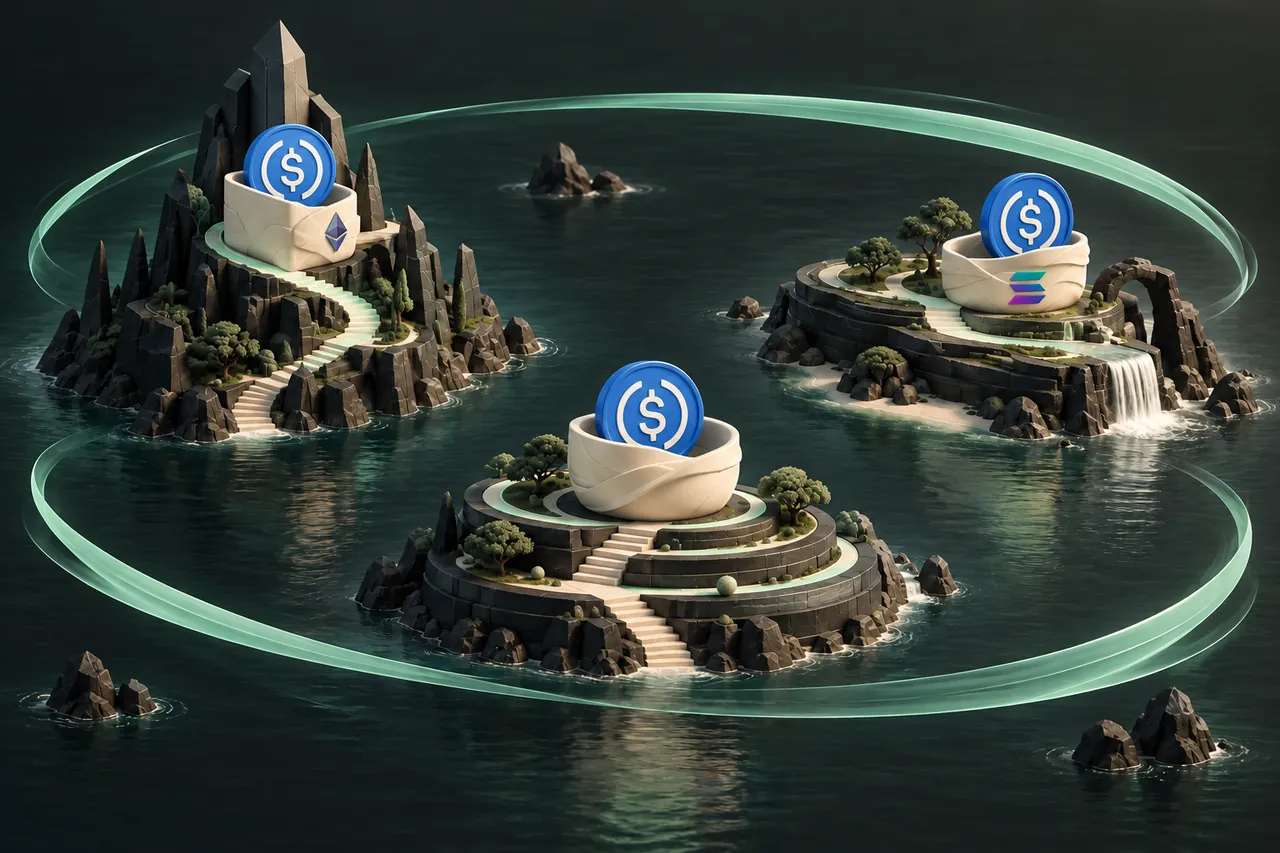
Circle lists USDC deployments across these networks. That does not mean every token displayed as a dollar coin in a wallet is the same asset. Bridged variants and similarly named tokens can have different contracts and deposit requirements. Use the version supported by your receiving wallet or service and the exact option listed in the swap form.
On Ethereum and Base, compare the token contract when your wallet or deposit instructions provide it. On Solana, the token's mint address identifies the asset. A logo or ticker alone is not enough to establish that two balances represent the same supported token.
Native and bridged USDC: check what the destination accepts
Native USDC refers here to USDC issued by Circle on the relevant network. A bridged representation is created through a separate cross-chain mechanism and can have a different token identifier. Wallets may give related assets similar names, so the ticker is an incomplete identity check.
A destination accepting native USDC on a network does not automatically accept every bridged dollar token on that network. Compare the network and contract or mint specified by the destination with the actual token you hold. If the sending wallet shows a variant that is not explicitly supported by the selected provider option, do not use the deposit address as an experiment.
The guide deliberately does not print a reusable contract address for you to copy into a payment. Contract references are for identifying the token, not receiving funds. Your recipient address comes from the receiving wallet or service. Sending funds to a token contract instead of the intended recipient is a different transaction with different consequences.
Plan for the next transaction too
The network selected for receipt determines where you will find the USDC balance after payout. It also determines the fee asset you may need when sending those funds onward from a self-custody wallet.
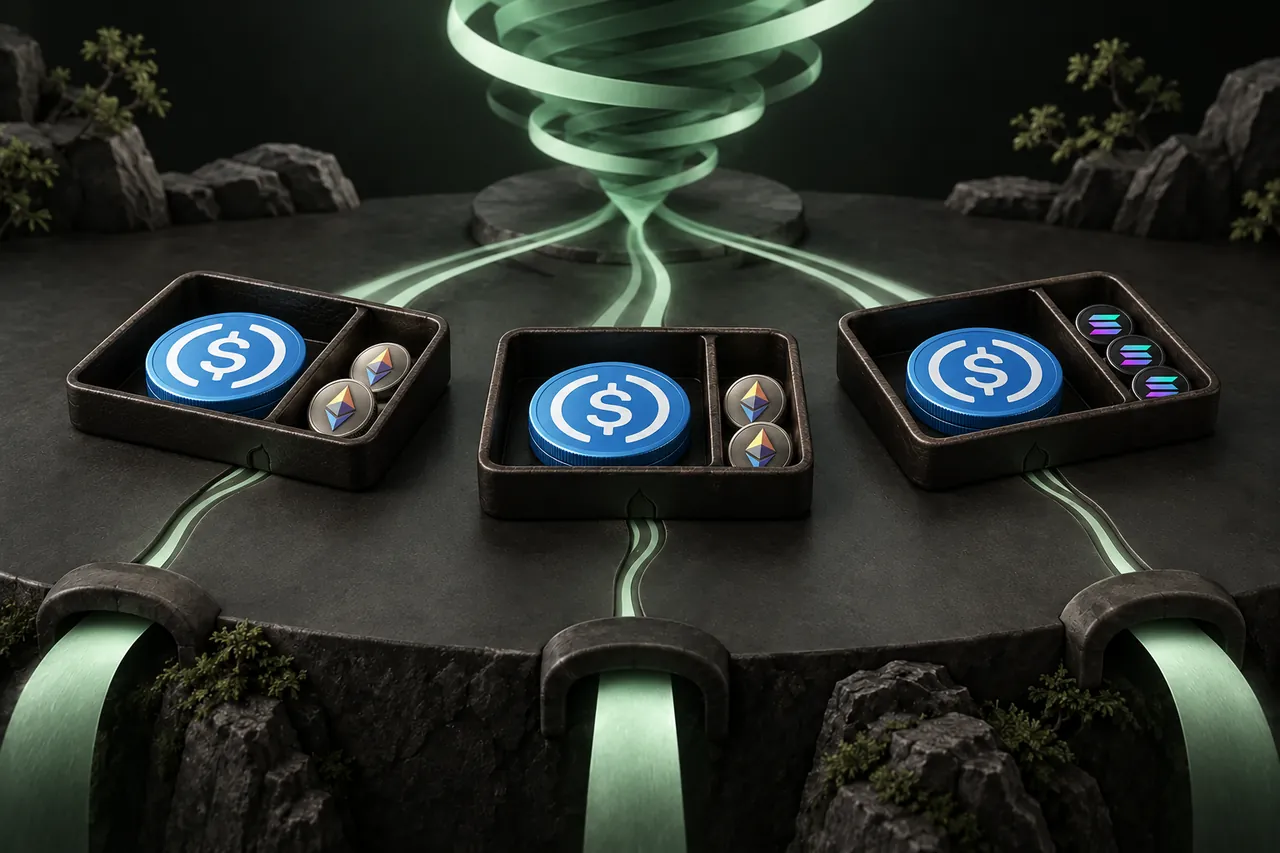
| Receive option | Where to check the balance | Native fee asset for onward transactions |
|---|---|---|
| USDC ERC20 | Ethereum | ETH on Ethereum |
| USDC Base | Base | ETH on Base |
| USDC SOL | Solana | SOL |
- Confirm that the wallet or service explicitly supports USDC on the intended network.
- Check token identity rather than relying on its display name.
- If you need an onward transfer, plan how that wallet will pay its network fee.
Compare quotes after choosing a usable network
A receive estimate is only useful if you can use the resulting funds. A slightly larger quote on an unsupported network is not a better destination for your payment. Choose the required network first, then compare live provider offers for that route.
For a cross-network USDC swap, the same ticker on both sides does not guarantee an equal token amount after costs. Check the estimated payout, rate type, minimum and provider conditions. Separately account for the cost of sending your existing USDC to the provider.
Keep the sending and receiving instructions separate
The provider deposit uses your original USDC network. Your receiving address uses the destination network. A refund address must accept the original sending asset and network. Mixing up those roles is especially easy when every field says USDC.
After the order completes, open the correct network in your wallet and check the supported USDC asset. If the balance is missing, compare the order's payout details with the receiving address before assuming a new transfer is needed. Keep the swap ID and contact support if the details do not reconcile.
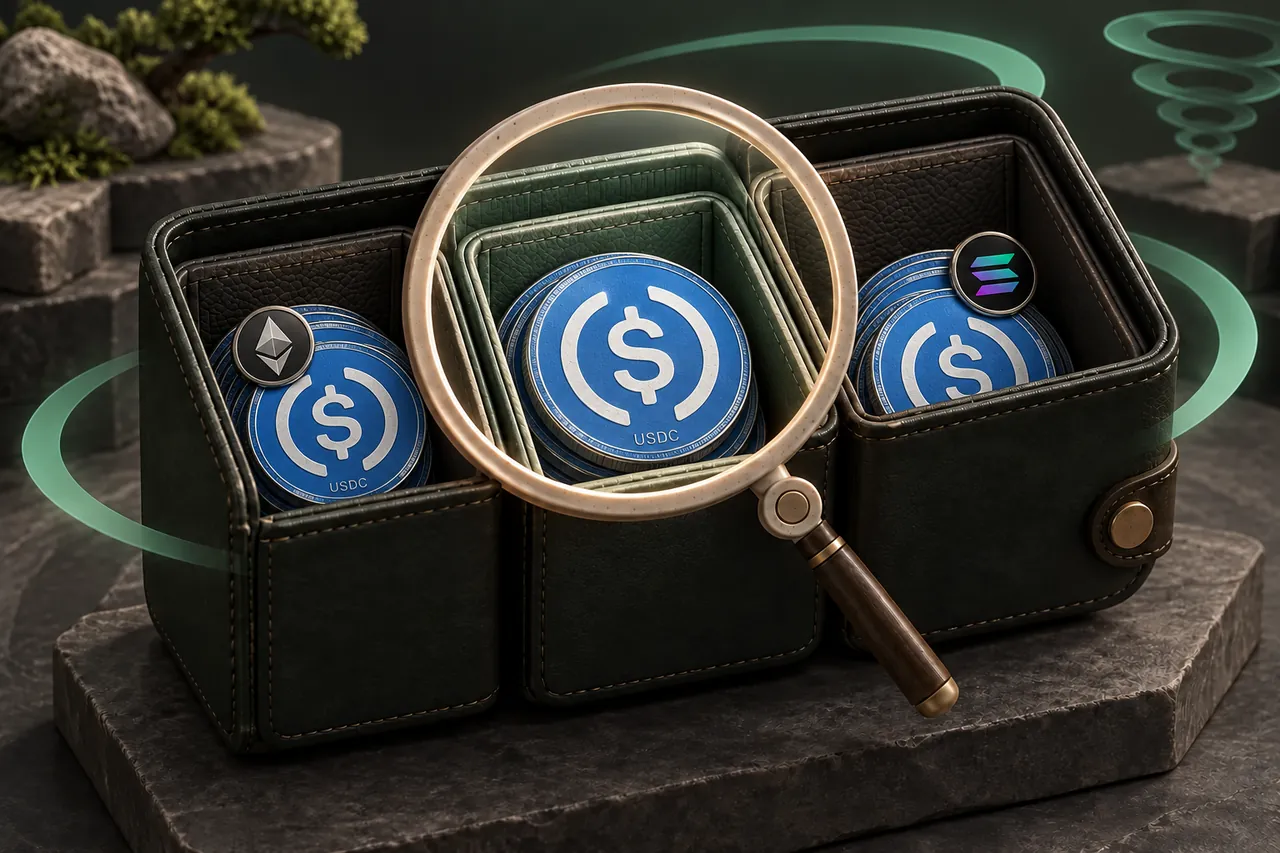
A practical scenario: USDC on Base to a Solana destination
Start with the destination’s USDC deposit instructions and confirm that Solana is enabled. Copy the receiving address using that service’s stated process. Then check that the balance you are sending is the supported USDC version on Base, rather than an unrelated token with a similar name.
Select USDC on Base under You send and USDC on SOL under You receive. The provider deposit will use Base; the recipient receives on Solana. If a refund destination is requested, it must accept the original USDC on Base. Those roles remain different even though all three fields involve the USDC ticker.
A self-custody sender normally needs ETH on Base to submit the USDC deposit. ETH held only on Ethereum is a separate network balance. At the other end, consider whether the Solana wallet will need SOL for an onward transfer. Receiving a stablecoin is not the same as receiving a fee reserve.
Before confirming, compare the current payout with the destination’s minimum and your intended use. After payout, inspect the Solana transaction and the USDC balance there. If a receiving service has not credited the account, provide its support team with the payout details rather than the original Base deposit hash alone.
Check the USDC Base to Solana routeThree common mismatches and how to spot them
Many apparent transfer problems begin before the quote: the correct ticker is paired with the wrong network, the correct network contains the wrong token variant, or the destination can receive funds but cannot yet pay to send them onward. Check these separately rather than treating “USDC supported” as one yes-or-no question.
A lower sending fee can be useful, but it is only one part of a workable route. Avoid moving funds to an environment you cannot use solely because a comparison screen shows a slightly larger amount. An extra conversion or a missing fee balance can undo that apparent advantage.
| Mismatch | What to compare | Next step |
|---|---|---|
| Right ticker, wrong chain | Deposit network versus receive selection | Choose the accepted network before ordering |
| Right chain, wrong variant | Token contract or mint and destination policy | Confirm support for the exact token |
| USDC present, no sending fee balance | Native fee asset on the same chain | Arrange a supported fee-payment method before onward use |
A FEW MORE DETAILS
Common questions
Is USDC on Base the same wallet balance as USDC on Ethereum?
No. They are balances on different networks, even if your wallet uses the same address on both. An accepted cross-network transfer process is needed to move value between them.
Can I use a USDC contract address as the recipient?
No. A contract or mint identifies the token. Use the recipient address provided by your receiving wallet or service for the selected network, following its deposit instructions.
Why do I need ETH when sending USDC?
On Ethereum and Base, ordinary wallet transactions use ETH on that same network for fees. A wallet or service may offer another supported fee mechanism, but you should verify that instead of assuming USDC pays its own transfer cost.
Does a USDC-to-USDC swap always return the same number of tokens?
No. The provider quote reflects the route and applicable costs. Review the actual receive amount and conditions; the shared ticker does not establish a fee-free or one-for-one exchange.
Prepared by Tornado Swap to explain the swap workflow. Network conditions and provider offers can change; check the current order instructions before sending funds.