Find the SOL balance you can actually transfer
Open the Solana wallet that holds the funds and check the amount currently available for transfer. A portfolio total can include other tokens or positions that are not immediately spendable SOL. Use the transfer preview to confirm the balance from which the provider deposit will be paid, rather than a dashboard’s combined account valuation.
Solana transaction fees are paid in SOL, so a self-custody sender needs to budget for the transfer as well as the deposit amount. Follow the wallet’s current fee preview. If the SOL is held on an exchange, read the withdrawal preview and the net amount delivered after its charges instead of assuming its displayed total can all reach the provider.
Decide which ETH balance your next activity needs
ETH on Ethereum mainnet is different from ETH on Base, Arbitrum or Optimism. A wallet may use the same-looking address on compatible networks, but each network has a separate balance. If you want to pay for an Ethereum mainnet activity, ETH arriving on Base is not automatically usable for that activity.
For a custodial destination, choose its ETH deposit network explicitly and verify it is enabled. For a self-custody destination, inspect the network where you want the result. The example route here uses ETH ERC20, the picker label for Ethereum mainnet. Use a separately supported route if your actual destination needs an L2 balance.
Verify sending and receiving networksRead a live SOL-to-ETH offer
Select SOL Mainnet and the intended ETH version, then enter a SOL amount that can be delivered. Click Find the best route to compare current provider offers. The estimated receive figure shown before route search is useful context; it does not guarantee liquidity, a processing time or acceptance of that amount by a provider.
Review rate type, provider terms, limits and the deposit deadline alongside the expected ETH amount. Provider verification may apply. Tornado Swap does not itself custody the deposit, but the selected provider temporarily handles the exchange funds. Compare that process with your requirements before creating the order rather than treating a headline output as the only decision.
Use the correct address for each side
The recipient entered in wallet details is your ETH destination. The generated deposit instructions belong to the sending Solana side and become available after you confirm the order. These are not interchangeable fields. Pasting an Ethereum recipient into a Solana withdrawal does not perform a cross-network exchange by itself.
A refund destination, if supplied, should accept the original SOL on its stated network. Obtain details you control rather than using an exchange’s shared outgoing address. Review the summary and any extra instructions before confirming. If a provider requires a field your wallet cannot supply correctly, resolve that mismatch before making the deposit.
| Field | For the example route |
|---|---|
| You send | SOL Mainnet |
| You receive | ETH ERC20 on Ethereum mainnet |
| Provider deposit | Solana instructions created for this order |
| Recipient | Your intended Ethereum receiving address |
A hypothetical swap for a mainnet activity
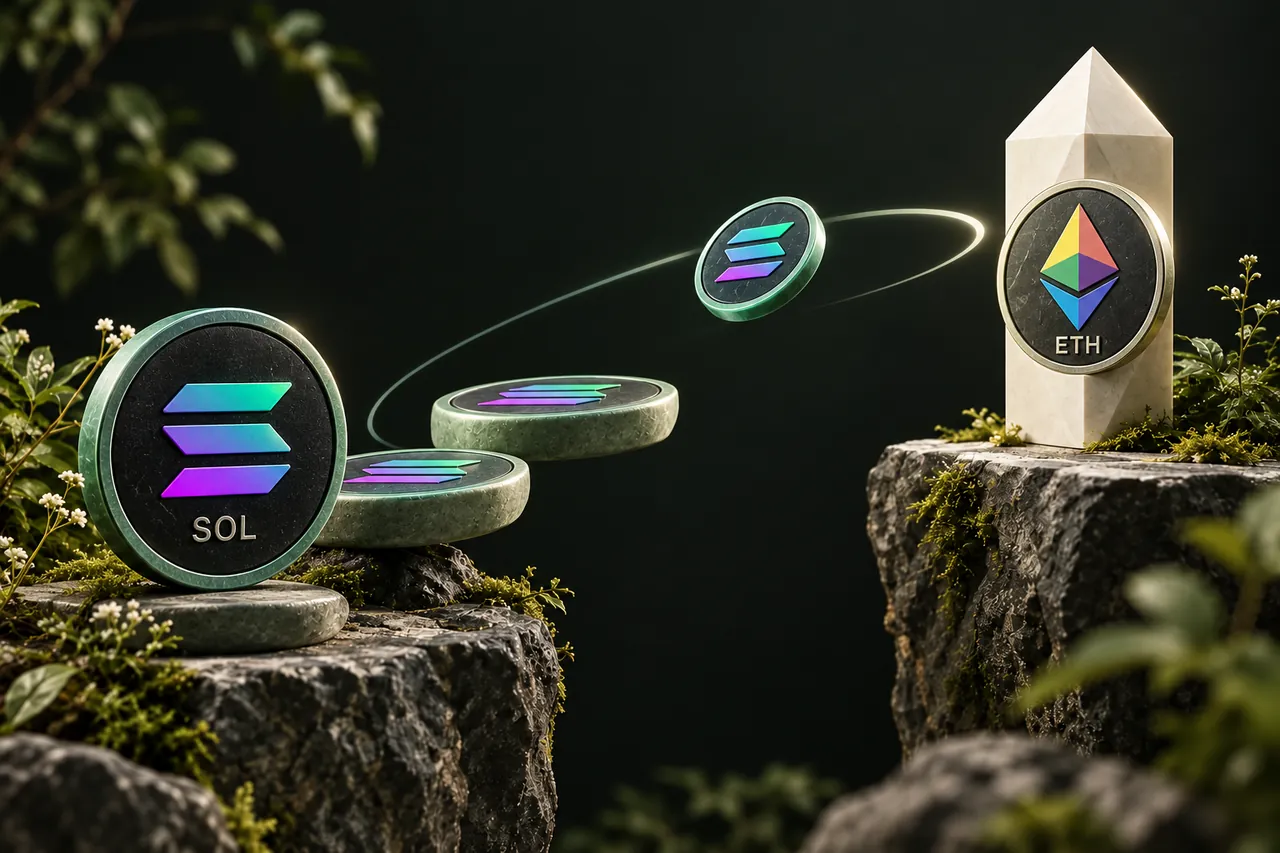
Imagine a user holds 3 SOL and wants ETH to pay for an activity on Ethereum mainnet. The user plans a hypothetical 2 SOL deposit and leaves sufficient SOL for the wallet’s current fee estimate. The destination receive screen is checked on Ethereum, then an eligible live offer is compared for SOL Mainnet to ETH ERC20.
After reviewing the provider and recipient, the user creates the order and copies its Solana deposit address. The wallet confirmation is checked for the correct asset, complete address and required amount. The sending transaction reference is saved with the swap ID. Once the provider pays out, the user verifies the ETH on Ethereum mainnet before attempting the planned activity.
Scanning helps with the address, not every instruction
The order QR encodes the deposit address only. Scanning it can save typing on a mobile wallet, but it does not automatically enter the deposit amount or establish the correct network. Compare the decoded destination with the confirmed order and review the wallet’s complete transaction preview before authorizing.
The download icon saves the same QR image for that order. Keep it labelled with the order if you store it, and avoid treating it as a reusable personal deposit address. When a new order is created, use that order’s instructions. An old downloaded image can otherwise lead to a payment intended for the wrong swap.
Recognize where a delay belongs
A completed Solana transfer is evidence about the deposit side. The provider still has to recognize it under its conditions, process the exchange and send an ETH payout. The receiving wallet may need its active network changed to display that payout. None of these stages should be inferred solely from a sending wallet’s success label.
Save the swap ID, actual deposited amount and sending reference until the ETH arrives. If support is needed, describe the sending and receiving networks explicitly. A report saying SOL to ETH is less useful than one identifying SOL Mainnet to ETH ERC20 and the precise order. Do not send an extra deposit while investigating the original one.
Understand the processing stagesA FEW MORE DETAILS
Common questions
Can I receive ETH on Base instead?
If the current catalog and live provider offers support that exact route, choose ETH Base as the receiving version. Verify your destination accepts Base before confirming.
Does a Solana success message prove the swap is complete?
It establishes progress on the sending transfer. Provider acceptance, exchange processing and the ETH payout remain separate stages tracked through the order.
Can I send all my SOL?
Inspect the wallet’s fee preview and spendable balance. A self-custody transfer requires SOL for its network fee in addition to the amount delivered to the provider.
Why is my Ethereum address the same on an L2?
Compatible networks can use the same address format while keeping separate balances. Check the selected destination network rather than relying on identical address characters.
Prepared by Tornado Swap to explain the swap workflow. Network conditions and provider offers can change; check the current order instructions before sending funds.