Identify your sending BNB
Tornado Swap labels its BNB Smart Chain option as BNB on BEP20. BNB is the native fee asset on that chain; the picker label identifies the network used for this route. Check your wallet's selected chain and available BNB balance before entering an amount.
If the wallet shows WBNB under tokens, check separately for a native BNB balance. WBNB and native BNB serve different transfer instructions. In a self-custody wallet, the network settings provide another check: BNB Smart Chain mainnet uses chain ID 56 and its native currency is BNB.
Choose where you need the ETH
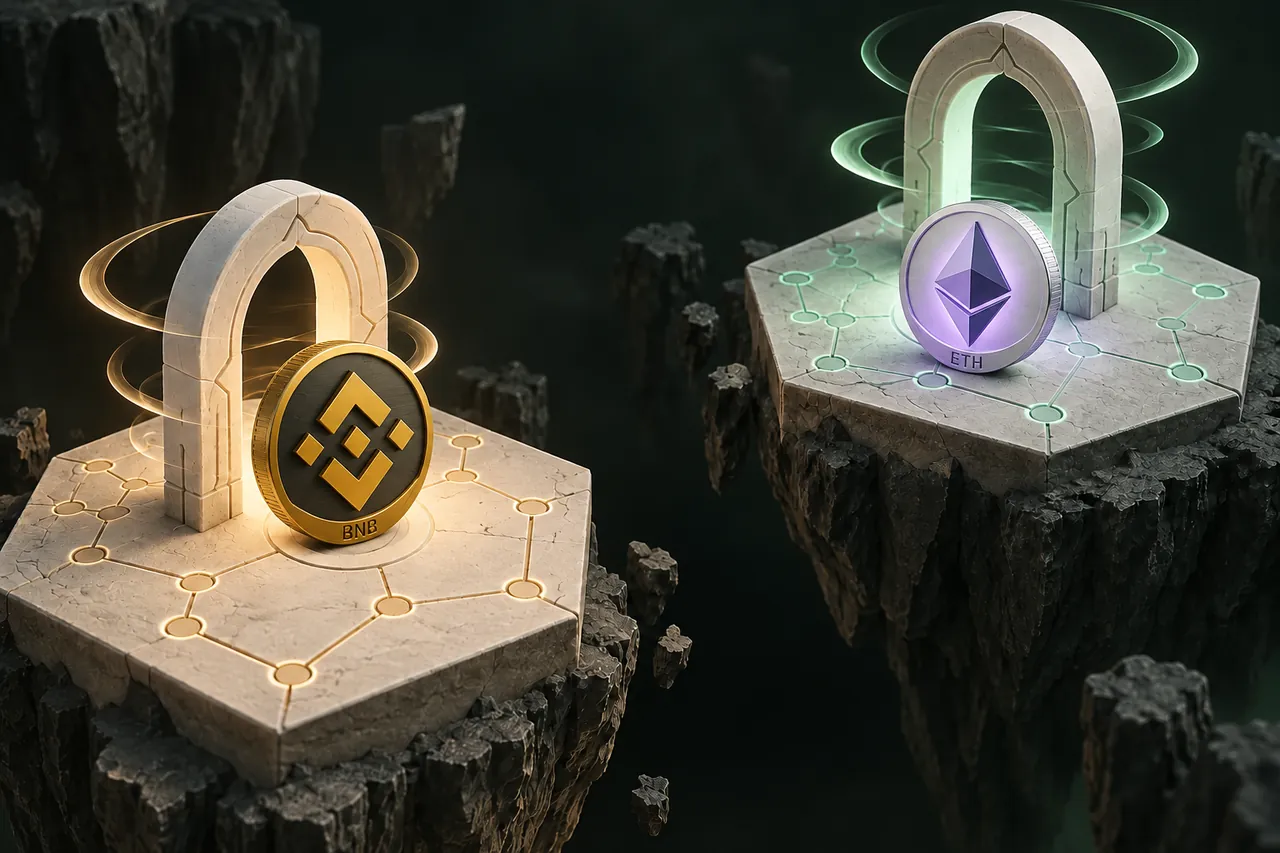
In Tornado Swap’s picker, ETH on ERC20 selects Ethereum mainnet. The ETH paid out on that route is native ether. The separate ETH on Base option credits Base. Open the destination app’s network selector or the receiving exchange’s deposit screen to see which one it accepts before choosing.
BNB Smart Chain and Ethereum both use familiar 0x address formatting. That is not evidence that an exchange or other receiving service accepts both networks. Get the receiving address from its ETH deposit page with the intended network selected.
Ethereum mainnet or Base: check where the ETH will be used
A user funding an Ethereum mainnet transaction needs ETH in the Ethereum mainnet balance. A user funding a Base transaction needs ETH on Base. Switching the wallet’s network view changes the balance it displays. It does not move funds across chains. If the same account shows several balances, use the destination app’s requested network as your reference.
Use this table while both the order and the wallet are open. The chain ID is a wallet network identifier. You usually only need to read it in network settings. An exchange deposit form may show only the network name.
| Task | Network to check | What should match |
|---|---|---|
| Send native BNB | BNB Smart Chain mainnet (56) | The wallet shows BNB for the deposit and gas. The order shows BNB on BEP20. |
| Receive ETH for an Ethereum mainnet app | Ethereum mainnet (1) | Choose ETH on ERC20. Check the Ethereum mainnet account after payout. |
| Receive ETH for a Base app | Base mainnet (8453) | Choose ETH on Base. Check the Base account after payout. |
Leave room for the sending transaction
When sending from a self-custody wallet, a BNB transfer also needs BNB for gas. Entering your entire balance as the swap amount can leave insufficient funds to pay that fee. Use the wallet's current estimate rather than reserving a fixed amount copied from a guide.
For a custodial withdrawal, inspect the withdrawal fee and the amount that will actually arrive. The deposit amount must satisfy the selected provider's order instructions. If the net amount is different from your quote, adjust before confirming the order instead of improvising after it exists.
For an incoming ETH payout to a normal wallet address, the sender of the Ethereum transaction pays its gas. You may need ETH on the receiving network later for your own outgoing transaction. Keep this future fee separate from the BNB gas your sending wallet quotes now.
Follow one order from deposit to payout
Open the pair that matches your intended ETH network, enter the BNB amount and choose Swap now to compare available offers. Check the expected ETH, rate type and deadline. Enter the ETH receiving address and any requested refund details, then review the summary before choosing Confirm & create swap.

- Copy the newly generated provider deposit address and send the required BNB amount on BNB Smart Chain.
- Save the swap ID and transaction hash so you can distinguish the order from the blockchain transfer.
- Track the swap while the provider detects the deposit, processes the exchange and sends ETH.
- Inspect your ETH balance on the network selected for receipt. A confirmed BNB transaction proves the deposit transfer was confirmed, not that the ETH payout is complete.
Worked example: compare total BNB spent with BNB delivered
Suppose an order asks for 0.5000 BNB and a self-custody wallet estimates 0.0001 BNB for gas. The recipient should receive 0.5000 BNB and the wallet would need 0.5001 BNB available under that estimate. Entering a full balance of 0.5000 BNB leaves no room for that fee. These numbers are an example. Use your own wallet’s final preview.
An exchange may deduct its withdrawal fee from the amount entered. For a 0.5000 BNB withdrawal with an illustrative 0.0010 BNB deducted, the provider would receive 0.4990 BNB. Compare the final “recipient receives” figure with the order. If they differ, correct the withdrawal amount before sending or obtain an offer for the amount you can deliver.
If you already sent the wrong amount or selected the wrong network, keep the order ID and the transaction hash. Contact the provider through the order’s support channel before sending any additional funds. Whether it can credit or recover the transfer depends on the actual chain, address and its policies.
BNB sent but ETH missing: check both transaction records
Keep the BNB deposit transaction and the ETH payout transaction separate in your records. The first belongs to BNB Smart Chain. The second belongs to the ETH network selected for receipt. A successful transaction on one chain cannot prove the state of a different transaction on another.
When the provider is still waiting for the deposit, compare the BNB transaction’s destination and actual amount with the order. When the provider reports payout, inspect the ETH transaction and destination. For a self-custody wallet, select the correct chain before reading its balance; for an exchange, allow for its own crediting requirements and inspect its deposit history.
If the swap ID produces an error, keep the original order confirmation and contact Tornado Swap support. Do not interpret a lookup problem as an instruction to create another order or send the same funds again.
| Last completed step | Evidence | Where to check |
|---|---|---|
| Your BNB withdrawal was requested | A sending service withdrawal reference | Check its history for broadcast status and a BNB Smart Chain transaction hash. |
| BNB reached the order address | A successful BNB transaction to the deposit address | Check the actual BNB value and the order status. If they disagree, send support the order ID and deposit hash privately. |
| Provider reports ETH payout | An outbound transaction hash and payout network | Use the receiving wallet’s explorer link for Ethereum or Base and verify the recipient and transaction status. |
| ETH reached a custodial deposit address | A successful payout to the correct address on the supported network | Check the receiving exchange’s minimum and crediting rules. Give its support the payout hash if the deposit stays missing. |
A FEW MORE DETAILS
Common questions
Why does the sending option say BEP20 if BNB is native?
In this picker, BEP20 is the provider’s network label for BNB Smart Chain. The BNB option refers to that chain’s native asset. Match the full chain name and avoid substituting a wrapped BNB token.
Will ETH sent to Base appear on Ethereum mainnet?
It is a balance on Base. A wallet may show the same address across both networks, but you must inspect the selected receiving chain. Choose Ethereum before ordering if that is where you need the funds.
Should I use the maximum BNB amount in my wallet?
Only if the wallet’s calculation leaves enough for the sending fee and the net deposit matches the order. An amount copied from the balance display can omit gas or a withdrawal deduction.
Can I send BNB directly to my ETH receiving address to convert it?
A native BNB transfer stays on BNB Smart Chain. For a provider swap, enter the ETH address as the payout destination, create the order, and send the requested BNB to its deposit address. Those addresses serve different purposes.
Prepared by Tornado Swap to explain the swap workflow. Network conditions and provider offers can change; check the current order instructions before sending funds.