Identify native BNB on the sending network
Open the wallet or exchange that holds the BNB you plan to use. Confirm the balance is on BNB Smart Chain rather than a different network or a wrapped representation. In the site catalog, the relevant option is BNB with the BEP20 network label. Match that to the actual withdrawal or wallet network before entering an amount.
A 0x-style address is not proof of this match. Several EVM-compatible networks use the same address format, and a custodial service may enable only selected networks for a particular coin. Read the sender’s complete withdrawal instruction. If the sender offers a network that the route does not support, the correct response is to resolve compatibility, not to select a similar-looking label.
Confirm the receiving USDT option and token support
Choose the USDT BEP20 option only when the destination explicitly accepts the intended BNB Smart Chain token. A USDT balance on Ethereum or TRON is not the same network balance. Nor does the catalog’s BEP20 label establish that every token carrying the USDT ticker on that chain is accepted.
Where token representation or a contract matters to the receiving wallet, verify the exact supported asset with the provider and destination. Do not import a contract from an unsolicited message or assume an unknown token is valid because its icon looks familiar. The catalog does not expose enough information to turn a ticker into a universal token-contract guarantee.
Keep enough native coins for gasBudget source gas separately from the swap amount
An ordinary self-custody BNB Smart Chain transaction uses BNB for its network fee. That fee is part of the sending wallet’s transaction, separate from provider charges reflected in a quote. Planning to exchange every displayed BNB unit can therefore leave the wallet unable to authorize the deposit at the amount you chose.
For a hypothetical example, suppose the wallet shows 0.500 BNB and an order expects 0.499 BNB. A current preview that requires 0.002 BNB separately makes that order unfundable from the available balance. These illustrative figures are not current fee advice. Recalculate using the final wallet preview, or create an order for a supported amount that leaves enough room for the actual fee.
Compare provider offers for the same chain and amount
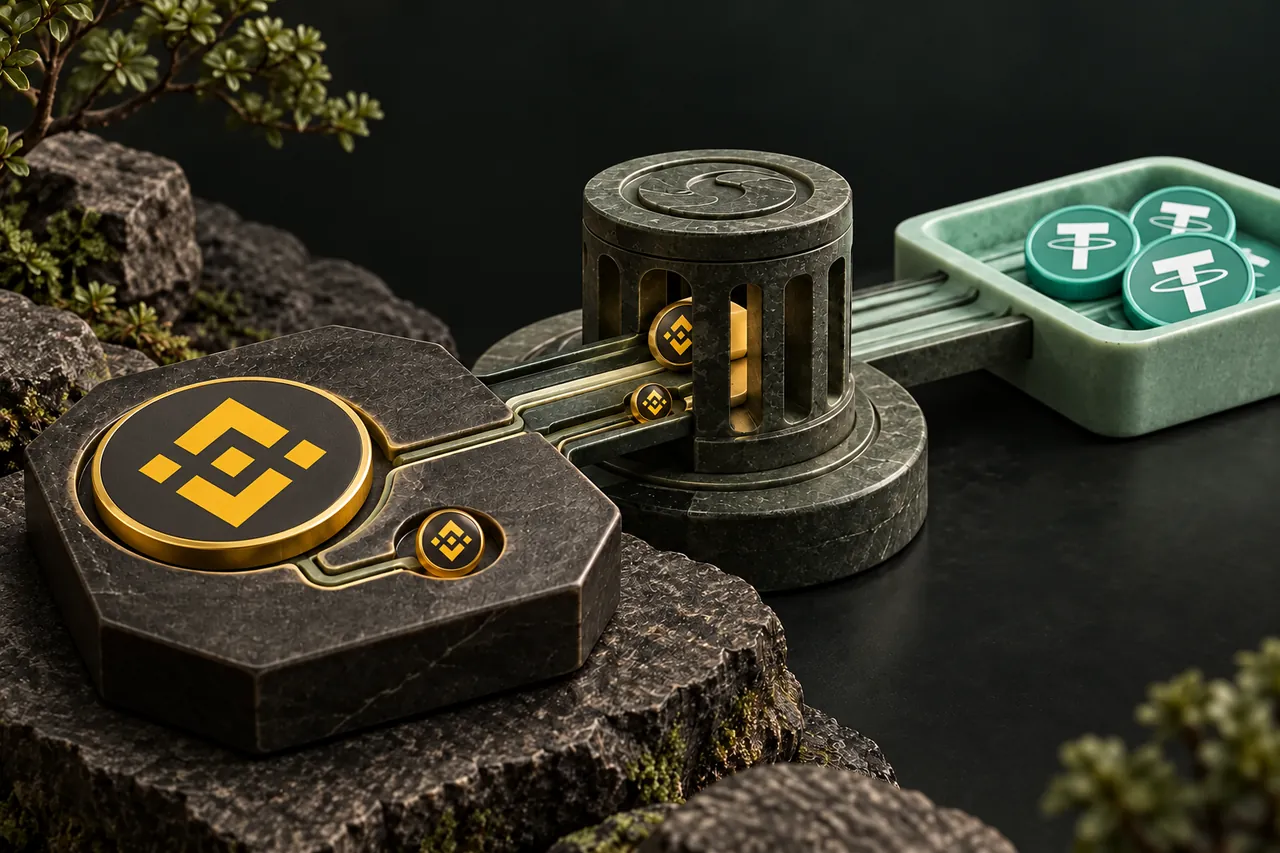
Use BNB BEP20 as the source and USDT BEP20 as the destination, then request routes for your planned deposit. Comparing offers only makes sense when the asset, network, amount and rate type are the same. If you change a network to obtain a different quote, you have changed the transfer you must be able to send or receive.
Review the estimated USDT payout, provider policies and any deposit conditions. Provider fees included in a receive estimate do not remove your wallet’s own sending fee. Screening or identity checks may also depend on the provider and the transaction. A site account not being required is different from a promise that every provider processes every order without verification.
| Check | What to verify |
|---|---|
| Source | Native BNB on BNB Smart Chain, with a fee reserve |
| Destination | The exact selected receiving asset and network, accepted by the destination |
| Amount | Net delivered source amount matches the active order |
| Tracking | Swap ID plus separate deposit and payout transaction hashes |
Review the wallet details before creating the order
Paste the USDT receiving address into the wallet-details step and compare the selected network with the destination’s deposit screen. The address for a self-custody wallet may also be usable for BNB, but a custodial deposit address is governed by that service’s support rules. Never infer an exchange’s accepted assets from its address format.
The optional refund address needs to accept BNB on the source network. It serves a different role from the USDT payout address, even if both happen to contain the same characters in a self-custody setup. Use an address whose receiving behavior you understand. Finish the summary check, then use Confirm & create swap to obtain the current provider deposit instruction.
Send BNB rather than the asset you hope to receive
The deposit side of this order expects BNB. Sending USDT to the provider address would not satisfy that instruction just because the payout also mentions USDT. Check the asset selected in the sending wallet, the source network, the exact amount and the active deadline. A saved address-book entry should be rechecked against the newly created order.
The QR code copies the address into a scanner-compatible image; it does not fill every payment field. Review the decoded address and enter the amount yourself. An ordinary transfer to a provider deposit address is also different from approving a token allowance to a smart contract. Do not grant an unrelated approval because a third party claims it is needed to complete this deposit.
Verify the payout and keep useful tracking details
Keep the Swap ID and the BNB Smart Chain deposit hash. After the provider creates its USDT payout, that payout has its own transaction record. If a self-custody wallet does not display the token, inspect the correct network and supported token identity before concluding that the provider never sent it. Adding a token display does not move funds or correct a wrong-network deposit.
A later ordinary outgoing USDT transfer may need BNB in the receiving wallet for gas. Receiving a token and spending it are separate operations, so plan for the intended next action. If the payout or credit remains unclear, use the site contact route with the existing ID and hashes rather than sending extra funds to an expired or already-used deposit instruction.
A FEW MORE DETAILS
Common questions
Can I use the USDT ERC20 option for a BNB Smart Chain destination?
Only if the destination explicitly accepts that Ethereum route, which would be a different network choice. Use USDT BEP20 when the intended destination is BNB Smart Chain.
Are sending-wallet fees included in the provider quote?
The provider receive estimate can include provider fees, while the sending wallet or exchange still charges its own transfer or withdrawal cost. Check both.
Does the same 0x address prove both assets are supported?
No. Address compatibility does not establish a receiving service’s accepted network or token representation.
Will receiving USDT leave me ready to transfer it again?
Not necessarily. A later outgoing transfer normally needs BNB for gas unless the actual wallet or application provides an eligible sponsorship arrangement.
Prepared by Tornado Swap to explain the swap workflow. Network conditions and provider offers can change; check the current order instructions before sending funds.