Start with two complete asset descriptions
Write down what you hold and what you want to receive using both a ticker and a network. Bitcoin on its native network is a different starting balance from a token representing bitcoin on another chain. Likewise, USDC on Ethereum and USDC on Solana are different destination instructions even though the ticker matches.
Check the wallet or exchange that holds your funds first. Then open the destination receive screen and confirm its exact accepted asset and network. The swap form requests a route between those two descriptions; changing a dropdown does not move an existing balance or enable deposits at another service.
Check the asset and network at both endsAn estimate helps you explore; an offer helps you decide
Entering an amount can show an approximate receive amount before you choose a provider. Use that estimate to understand the scale of the exchange, rather than treating it as a completed reservation. Click Find the best route to request offers for the current amount, network selections and rate preferences.
Read the provider offer as a set of conditions. The estimated receive amount, rate type, available limits and deposit window all matter. A pair page can exist while no provider currently accepts your chosen amount. If there is no suitable offer, leave the funds in the sending wallet and reassess your selection.
Know which party handles each stage
Tornado Swap is the comparison interface. It does not itself custody the deposit. After you select and confirm an offer, the chosen provider supplies the deposit instructions and temporarily handles funds while processing the exchange. Wallet-to-wallet describes the user-facing flow; it does not remove provider counterparty risk.
Your sending wallet controls the transaction you broadcast. The provider decides when its deposit conditions are satisfied and executes its exchange and payout process. Your receiving wallet or custodial destination decides how to display or credit the arriving asset. Those responsibilities explain why one status screen cannot replace every other record.
| Stage | Useful evidence |
|---|---|
| Quote comparison | Asset, network, amount, provider and current terms |
| Deposit | Confirmed address, required amount, memo if any and sending hash |
| Payout | Receiving asset, network, address and payout reference when available |
Create one order before sending one deposit
On the wallet-details screen, enter the recipient address and any destination memo or tag required by that receiving service. A refund destination, when provided, must accept the sending asset on its original network. Review the summary on that screen, then use Confirm & create swap to obtain the provider deposit instructions.
Use the address created for this specific order. A previous successful swap is not permission to reuse its address. Check the deposit amount, chain and deadline together. If you scan the displayed QR code, compare the decoded address against the order and enter the amount and any required memo separately.
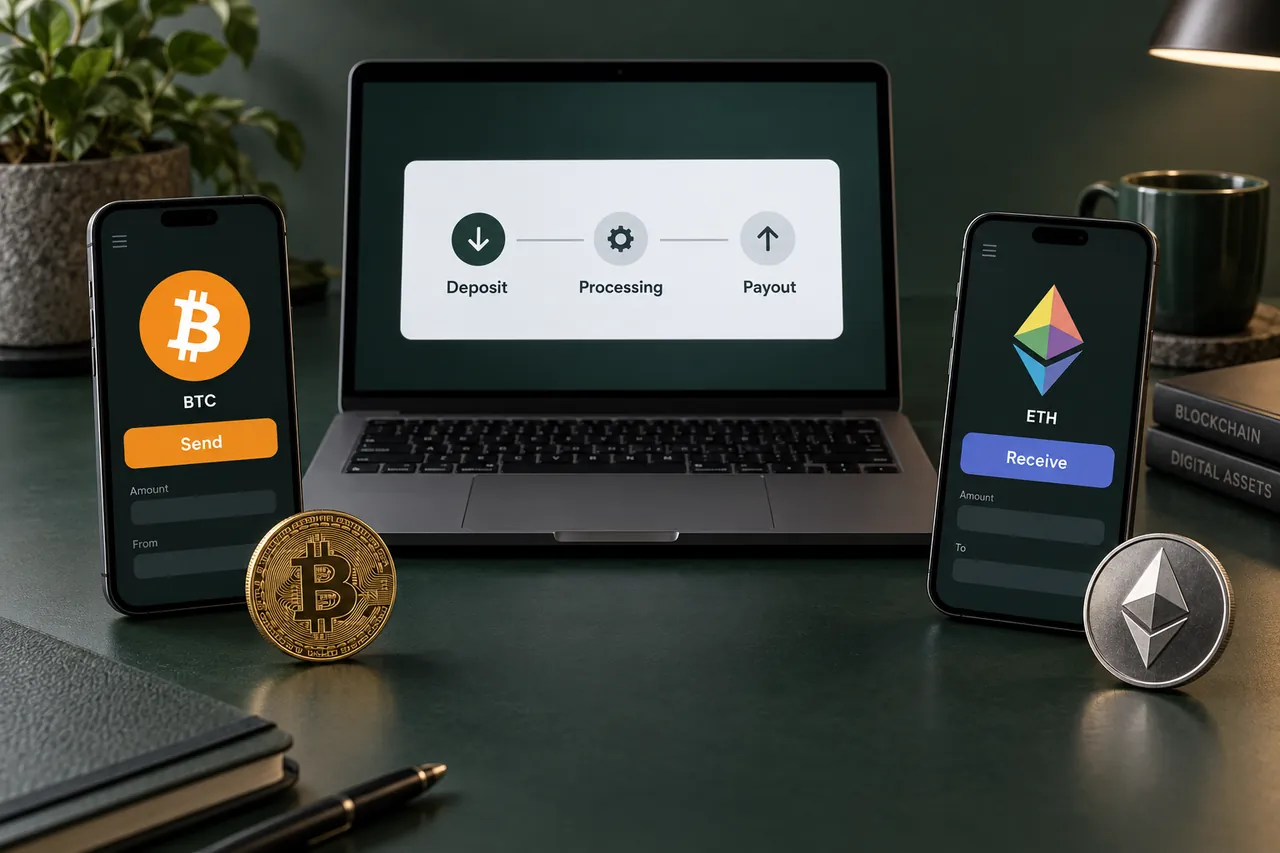
A hypothetical swap from USDT to ETH
Suppose a wallet holds USDT on TRON and the owner wants ETH on Ethereum. The sending selection is USDT TRC20; the receiving selection is ETH ERC20, the label used for Ethereum mainnet in the picker. The recipient comes from the Ethereum receive screen. It is not the address to which the USDT deposit should be sent.
Imagine the confirmed order asks for 250 USDT. The user checks that the sending wallet can deliver that amount and has the resources needed for its transfer fee. After confirming the order, the user sends USDT on TRON to the generated deposit address, saves the sending hash and tracks the order. The eventual ETH payout is checked on Ethereum, separately from the original TRON payment.
Track progress without sending twice
A wallet saying sent can mean the transaction was broadcast, not that the provider has credited it or completed a payout. Record the hash and inspect the relevant network status. The order may then pass through deposit recognition, confirmations, exchange processing and payout. Times vary with both networks and the selected provider.
If the screen appears stalled, refresh the same swap rather than creating another deposit. Compare what the order requested with what the transaction actually delivered. Preserve the swap ID, sending hash, asset and network if you contact support. These records establish the sequence without exposing recovery phrases or private keys.
Understand deposit recognition and payoutA short checklist for the whole journey
The safest stopping point for uncertainty is before the deposit. Resolve an unsupported destination, unexpected memo field or unavailable withdrawal network before confirming anything. A small test should be a separate valid order within the current limits, not an arbitrary partial payment to an order that expects more.
- Confirm the asset and network in the actual sending wallet.
- Confirm the receiving service accepts the exact destination asset and network.
- Compare a live offer and read the selected provider conditions.
- Review recipient, optional refund details, amount and deadline before depositing.
- Save the swap ID and sending hash until the receiving wallet credits the payout.
A FEW MORE DETAILS
Common questions
Does wallet-to-wallet mean nobody handles my funds?
No. The selected provider receives the deposit and processes the exchange. Tornado Swap supplies the interface; the provider and the blockchain networks perform the deposit and payout stages.
Do I have to connect my wallet?
The displayed flow uses addresses and a normal wallet transfer. You do not need to share wallet keys or a recovery phrase to compare routes or receive deposit instructions.
Is the amount shown before route search guaranteed?
No. It is an approximation. A current provider offer and its rate conditions govern the order, and changing market or transaction conditions can affect the result.
What should I save after creating a swap?
Save the swap ID, confirmed deposit instructions, asset and network at both ends, amount, deadline and sending transaction hash. Keep those records private and available until completion.
Prepared by Tornado Swap to explain the swap workflow. Network conditions and provider offers can change; check the current order instructions before sending funds.