Binance hack: what is confirmed as of 31 October 2026
In its 30 October security update, Binance reported that hot wallets were compromised around 20:05 UTC on 29 October, with approximately $6.3 billion in assets stolen. The exchange said it would absorb the loss through SAFU and its corporate treasury, rather than pass it to users.
At the time of that update, withdrawals were temporarily suspended, while deposits and unaffected services remained operational. Binance said its investigation was ongoing and that it had found no evidence of leaked wallet private keys. Those are the company’s reported findings, not a completed independent audit.
Source checked on 31 October 2026. Withdrawal availability and investigation findings may change after publication; consult the official notice before acting. This guide does not treat the exchange’s recovery plans as completed outcomes.
Source: Binance security incident update #2, 30 October 2026
How a non-custodial wallet changes your exposure
With an exchange account, the exchange controls the keys used to move the crypto behind your balance. With a non-custodial wallet, you control the signing keys and recovery method. Funds successfully withdrawn to that wallet no longer depend on that exchange approving their next transfer.
That control comes with responsibility. Losing the only recovery backup or exposing it to someone else can mean losing the funds. Self-custody is most useful when you understand both sending and recovery before putting a significant balance into the wallet.
A practical arrangement is to separate everyday spending from longer-term storage. Keep the amount needed for current activity readily accessible, and use a more carefully protected setup for the rest. Bitcoin.org’s wallet-security guidance similarly recommends limiting everyday wallet balances and maintaining secure backups.
Protect the recovery phrase before you move funds
Your recovery phrase is a way to restore control of the wallet. Someone who obtains it may not need your phone, device PIN or exchange password. Do not paste it into a swap form, support conversation, recovery-check website or cloud note. Avoid photographing it where the image could sync to an online account.
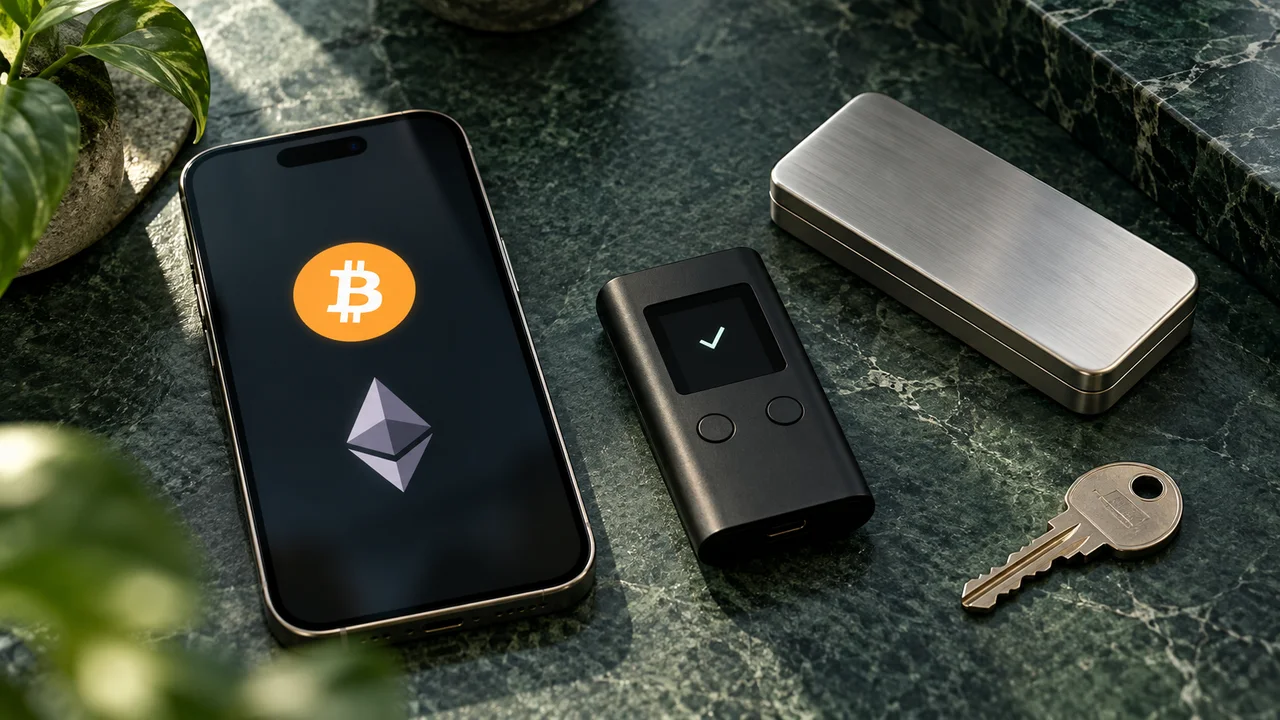
A hardware wallet is designed to keep signing keys isolated from the internet-connected computer or phone. It can reduce exposure to malware stealing those keys, but it cannot make every transaction you approve safe. Keep the recovery backup protected separately, and use the wallet maker’s documented setup and backup-check process.
Treat a request to “validate,” “synchronize” or “unlock” your wallet by supplying recovery words as a reason to stop. Tornado Swap needs a public receiving address for a swap; it does not need your recovery phrase or private key.
Check the address on the device you trust
Copying an address is convenient, but it is not verification. Clipboard malware can substitute a different destination, and an old clipboard entry can also cause a mistake. When receiving to a hardware wallet, display its receiving address on the hardware device and compare it with the address you supply.
When sending, inspect the destination and amount on the device before confirming. Trezor’s documentation makes an important distinction: a trusted display confirms what the device will sign, but cannot tell whether the destination someone supplied is legitimate. First establish the correct destination, then check that nothing changed.
For a swap, compare against the deposit instructions for that particular order. A saved address from a previous swap is not a substitute. If any detail disagrees, pause and resolve it before signing.
Swapping crypto without wallet connect: what it helps with
Tornado Swap uses an address-based flow. You choose the sending and receiving assets and networks, compare offers, enter a receiving address, and send the required deposit from your own wallet. You do not connect that wallet to Tornado Swap or grant Tornado Swap a token-spending allowance to use this flow.
This keeps the interaction focused on a transfer you initiate yourself. It avoids adding a wallet connection and approval request merely to compare routes or create the order. It does not prevent you from sending to a fraudulent website’s address, nor does it protect keys already compromised elsewhere.
Existing permissions from other applications remain a separate concern. MetaMask explains that disconnecting a site does not revoke token approvals previously granted to it. Review those permissions through trusted wallet tools; using a different swap interface does not clean up old approvals.
Source: MetaMask — disconnecting versus revoking approvals
Read how Tornado Swap handles providers and swap informationPrivate cross-network swaps still have provider risk
Tornado Swap is a privacy-oriented exchange interface for comparing independent providers. There is no Tornado Swap account balance to leave behind between orders. The intended flow delivers the exchanged asset to the receiving address you provide, so you can keep it in your own wallet after completion.
During the exchange, however, the selected provider receives your deposit and executes the conversion. The deposited amount is exposed to that provider’s handling, security, availability and review process. This is not the same as keeping uninterrupted custody of those funds. Send only the amount specified for the order; do not use a deposit address as ongoing storage.
Privacy also has limits. A swap without account registration is not a guarantee of anonymity or a transaction without KYC. Providers may request identity verification or other information. On public blockchains, transfers remain visible, and routing and provider services process transaction details. Check eligibility and provider policies before depositing; a displayed quote is not proof that every user may use the route.
Check provider policies, privacy and eligibilityA practical checklist before your next crypto swap
Use the order as a checklist rather than rushing from the quote to the send button. This applies whether you are swapping Bitcoin to Ethereum, moving a stablecoin across networks, or exchanging another supported pair. Availability, limits and rates depend on the live provider offer.
- Open the correct site. Type tornadoswap.app or use a bookmark you verified. Do not use an unsolicited recovery link as the starting point for a transaction.
- Choose the exact asset and network at both ends. Confirm that your receiving wallet supports the destination asset on that network, not just the same ticker.
- Read the provider offer. Check expected receipt, rate type, minimum, maximum, deposit deadline and any required memo or destination tag. Keep enough native network currency for your wallet’s sending fee.
- Verify both addresses. Confirm your receiving address, then compare the new order’s deposit address with the destination shown by your wallet before approving the transfer.
- Send the required order amount. A test transfer must be a separate valid order that meets the minimum; do not send a small partial deposit into a larger order to “test” it.
- Save the swap ID and transaction hash privately. Follow the status and confirm receipt in your destination wallet. Do not send a second deposit merely because a confirmation is taking longer than expected.
If an exchange is paused, protect your next decision
An external swap service cannot withdraw a balance that an exchange is currently preventing you from withdrawing. Do not send money to anyone claiming that a special address, wallet connection or “release fee” can bypass that restriction. Check status inside the exchange’s official app or support pages.
When transfers become available, take time to set up and verify the destination. Changing where you hold funds should be a deliberate security decision, not a response to an urgent direct message. If a wallet itself may be compromised, stop using it for new swap receipts and seek help through the wallet provider’s verified support channel.
The useful habit is to ask three questions before every move: who controls the funds now, what exactly am I authorizing, and who controls them while this transfer completes? Self-custody and a no-wallet-connect swap flow answer different parts of that assessment. Use both with a clear understanding of their limits.
A FEW MORE DETAILS
Common questions
Can a non-custodial wallet still be hacked?
Yes. Control of your keys removes reliance on an exchange for those funds, but stolen recovery words, malware and harmful authorizations can still cause losses. Self-custody needs a secure backup and careful transaction checks.
Is Tornado Swap non-custodial throughout the swap?
Tornado Swap does not hold your wallet keys or an account balance. The selected provider receives the deposit and performs the exchange, so the deposited funds remain exposed to that provider during execution.
Does swapping without wallet connect guarantee privacy or no KYC?
No. It avoids connecting your wallet to the Tornado Swap interface, but transactions can remain visible on public chains and providers may require verification. Read the applicable policies before sending.
Can Tornado Swap move funds out of an exchange with paused withdrawals?
No. You must be able to send the deposit from a wallet or service you can access. Tornado Swap cannot override another platform’s withdrawal controls or recover funds stolen in an unrelated incident.
Published by Tornado Swap, the service discussed in this guide. Prepared with AI assistance and checked against the linked primary sources on 31 October 2026. This article explains risk controls; it is not an independent security audit, a guarantee against loss or investment advice. Incident status may change after publication.